13
6. VASCO Use and Programming
VASCO software is extremely simple to use, but allows a wide variety of parameters to be set for ideal system
calibration. Setting Parameters are organized in 2 levels:
1: Installer level
A password is required for this level; these parameters are adjustable by trained professionals
Default password: 001
From the menu a different password can be set up.
2. Advanced level
A second and different password is required; improper setting of these advanced parameters could compromise the
integrity and the life of VASCO and pump;
Default password 002
It is possible to set up a different password.
Installer and Advanced levels can be entered only with the correct password; otherwise, it is impossible to set up
and/or modify any parameters (they can be only displayed).
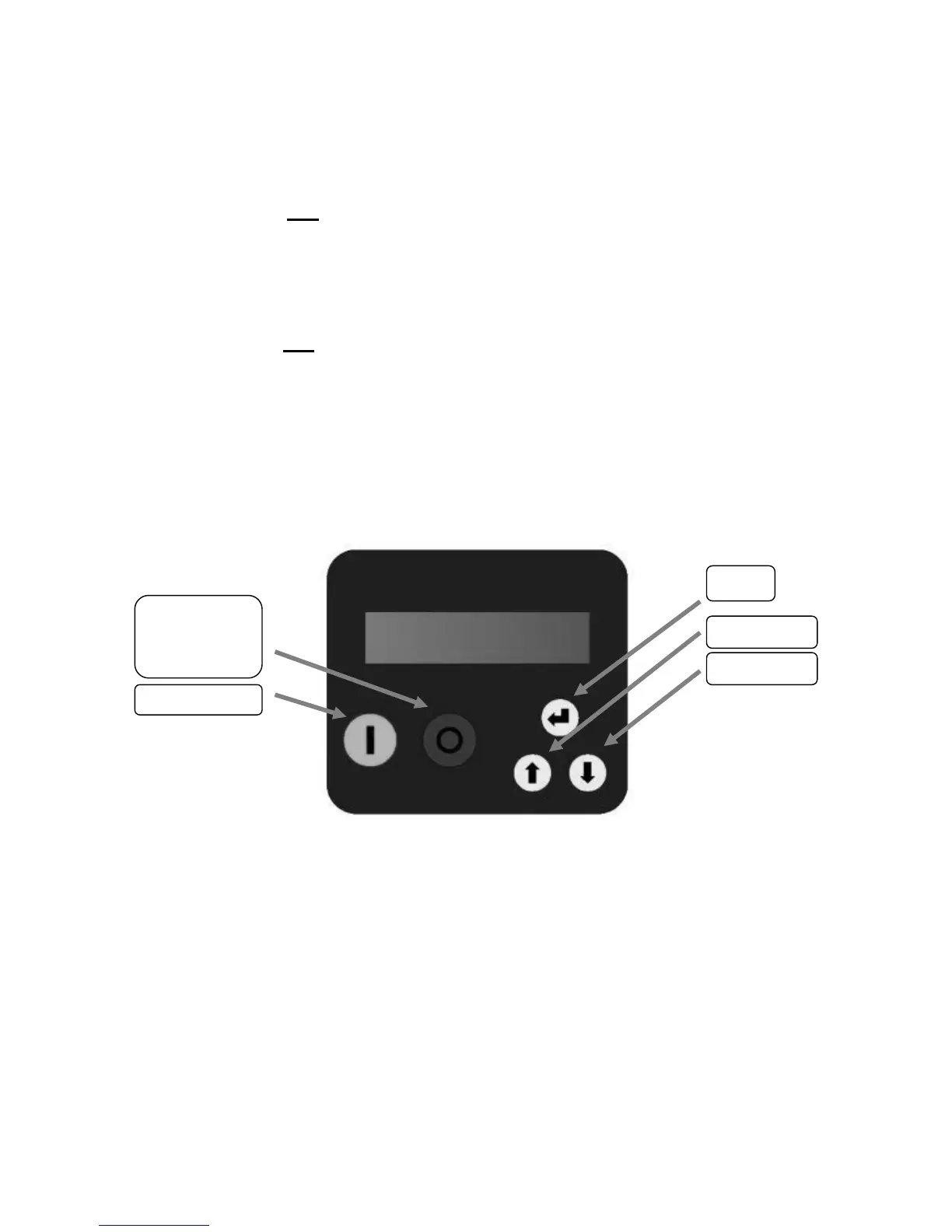
6.1 VASCO display
Screen is a back-lit LCD displaying 2 rows of 16 digits each. Alarms are indicated by an audible signal.
6.2 Initial configuration
When VASCO is switched on for the first time, the initial setting menu is displayed for the initial setting of parameters to
configure pump characteristics, pressure sensor range, and system characteristics.
If the initial setting procedure is not completed properly, it is impossible to run the pump. Initial setting procedure can be
repeated if necessary.
The initial setting procedure can be repeated (by using the 2
rd
level password) to reconfigure VASCO or if VASCO is installed
in a different system.
A brief description of parameters and their allowable ranges are listed below:


 To Next Page