15
6.3 Initial view
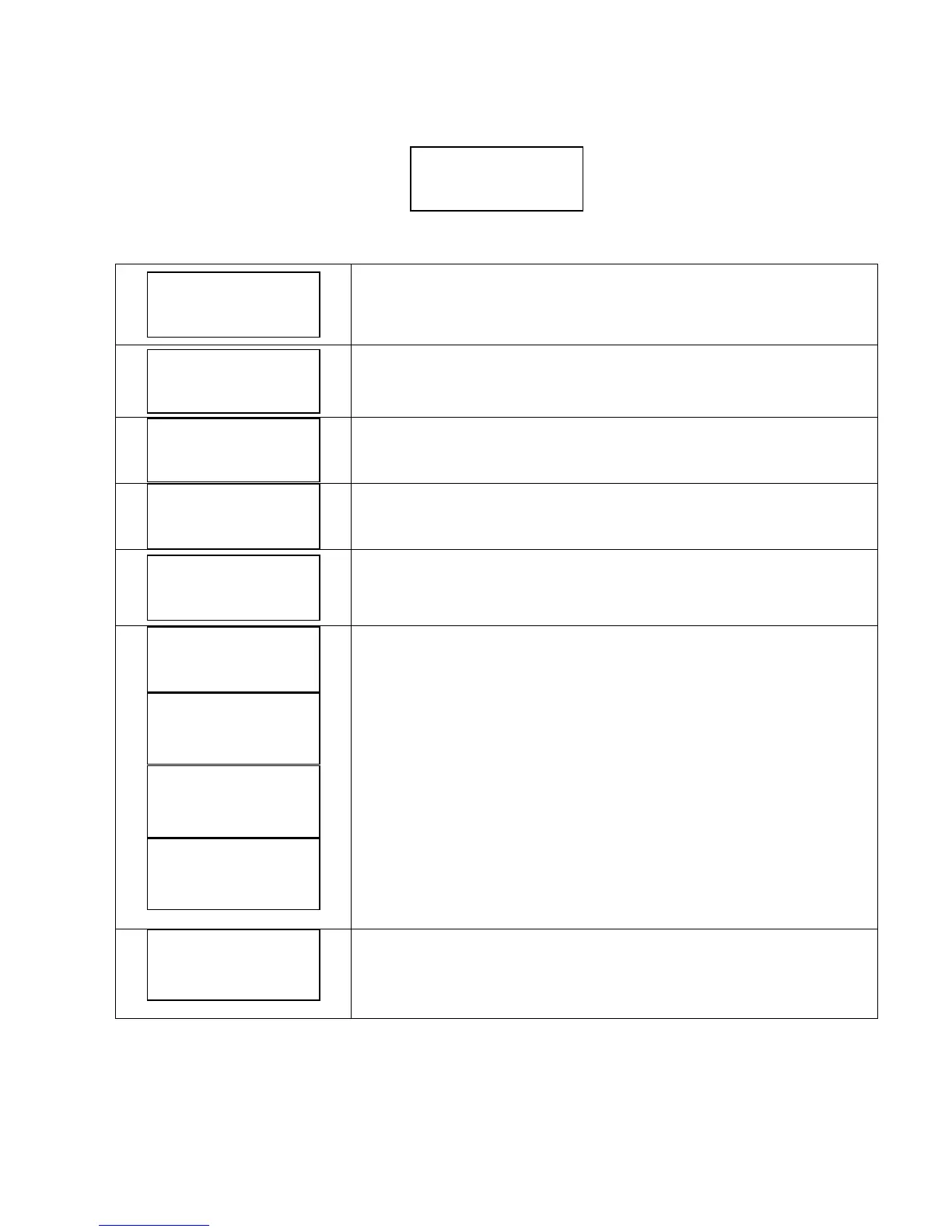
When first powering the VASCO, the display shows : release of display software (LCD = X.XX) and the release of inverter
software (INV = X.XX) as shown below:
The following End User messages are displayed by pushing the scroll buttons:
p_m is the pressure value read by the pressure transducer
By pressing ENTER the pressure set value is displayed. Keeping pressed ENTER button
more than 5 second, is possible to modify the set pressure on real time.
f value is the supply frequency to the motor; by pressing ENTER you can change the f
value manually (word “set” is displayed) , press ENTER again to exit parameter
setting (word “set” disappeared)
V is the voltage supplied to the motor. This value is displayed only if motor is OFF; if
motor is ON, A value equal to the absorbed motor current is displayed
cosphi index means the angle phi between the voltage and current absorbed by the
motor
P is the power in Watts supplied to the pump.
NORMAL status means no alarms.
If an alarm occurs, a message blinks on the display and an audible signal is activated.
Pressing ENTER accesses: VASCO lifetime, PUMP lifetime, alarm list.
PUMP lifetime is recorded while pump is powered.
To return to previous views, press ENTER.
First row gives the VASCO status:
Inv: ON XXX.X Hz VASCO is powered and is powering the motor showing its frequency.
Inv: ON Mot: OFF VASCO is powered but motor is not running (i.e. motor/pump was stopped due to minimum
frequency being reached)
Inv: OFF Mot: OFF VASCO is not powered
If COMBO function is activated, the VASCO address is placed close to indication “Inv”.
XXXXXXXXXXXXXXX
XXXXXXX h : XX m
Motor Life
xxxxx h : xx m
Inverter Life
xxxxx h : xx m
Inv: ON/OFF Mot: ON/OFF
STATUS: NORMAL
Inv: ON/OFF Mot: ON/OFF
P = XXXXX [W]
Inv: ON/OFF Mot: ON/OFF
cosphi = XXX
Inv: ON/OFF Mot: ON/OFF
V = X.XX [V] I= XX.X [A]
Inv: ON/OFF Mot: ON/OFF
f = XXX [Hz]
Inv: ON/OFF Mot: ON/OFF
p_m = XX.X [bar]


 To Next Page