EasyManua.ls Logo

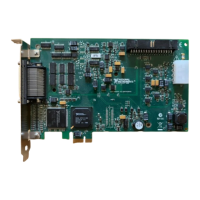
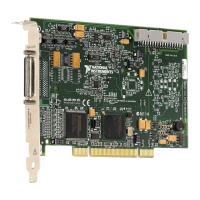
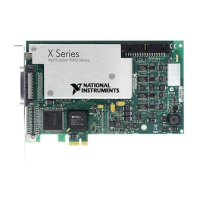
National Instruments DAQ X Series - User Manual

National Instruments DAQ X Series
299 pages
Print Icon
To Next Page IconTo Next Page
Loading...
(217) 352-9330 | sales@artisantg.com | artisantg.com
-~
ARTISAN
®
~I
TECHNOLOGY
GROUP
Your
definitive source
for
quality
pre-owned
equipment.
Artisan Technology
Group
Full-service,
independent
repair
center
with
experienced
engineers
and
technicians
on staff.
We
buy
your
excess,
underutilized,
and
idle
equipment
along
with
credit
for
buybacks
and
trade-ins
.
Custom
engineering
so
your
equipment
works
exactly as
you
specify.
Critical
and
expedited
services
Leasing
/
Rentals/
Demos
In
stock/
Ready-to-ship
!TAR-certified
secure
asset
solutions
Expert
team
I
Trust
guarantee
I
100%
satisfaction
All
tr
ademarks,
br
a
nd
names, a
nd
br
a
nd
s a
pp
earing here
in
are
th
e property of
th
e
ir
r
es
pecti
ve
ow
ner
s.
Find the National Instruments PCIe-6351 at our website: Click HERE

Table of Contents

Questions and Answers

  • R
    Rodney CaseyAug 9, 2025
    What to do if seeing crosstalk on National Instruments DAQ X I/O Systems?
    • M
      melissa62Aug 9, 2025
      If you observe crosstalk or ghost voltages while sampling multiple channels on your National Instruments I/O Systems, it could be due to charge injection. To resolve this, use a voltage follower with operational amplifiers (op-amps) with unity gain for each high-impedance source before connecting to an X Series device. Alternatively, try decreasing the sample rate for each channel. If you are sampling among multiple channels at various gains, refer to the Multichannel Scanning Considerations section of Chapter 4, Analog Input.

National Instruments DAQ X Series Specifications

General IconGeneral
SeriesX Series
Resolution16-bit
Output Voltage Range±10 V
Analog Output ChannelsUp to 4
Communication InterfacePCIe, USB
Operating Temperature Range0°C to 50°C
Input Voltage Range±10 V

Related product manuals