NV30/NV40 Operations and Maintenance Manual Operating the transmitter
Page 2-18 Issue 3.3 2014-12-10
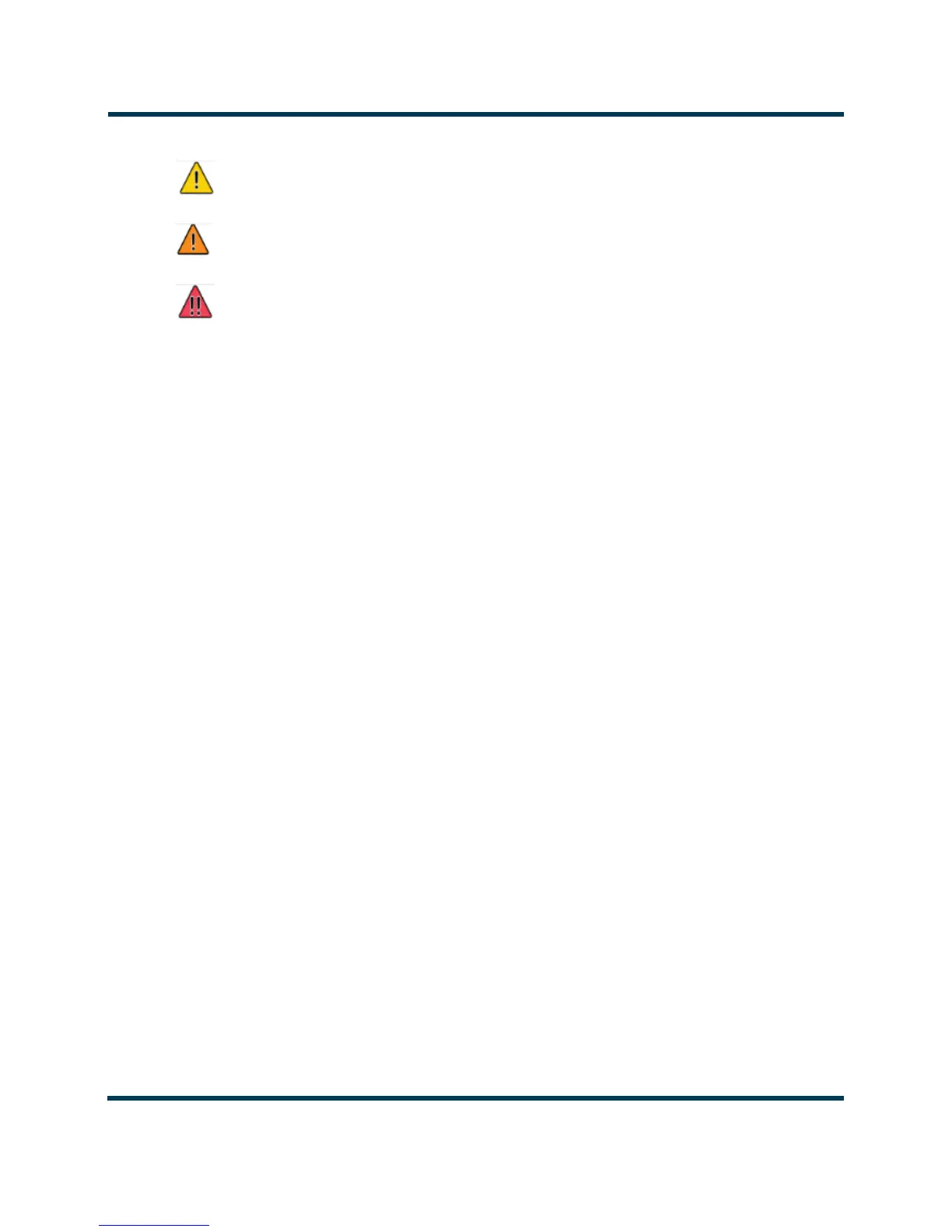
Figure 2.9: Alarm Severity
• Time of Event - identifies the day-of-the-week, date and time of the alarm event.
To navigate through the table, press the arrow keys on the right-side of the screen or use the scroll
bar that appears when more than one page is available.
The table of log information can span over more than one page. The current page number is
identified above the table on the right-side of the screen. For example,
Page 1/4 means that the
displayed page is one out of a possible four pages. Press the
Page button to reveal information about
the pages.
You can access a more detailed listing of events and resolve any alarm issues via the Log Manager
window. Pressing the Log Manager button on the Logs page will provide access to this window (see
Figure 2.9 on page 2-19).
= low (RF output not affected)
= medium (RF output may be reduced)
= high (RF output may be inhibited)



 To Next Page