NV30/NV40 Operations and Maintenance Manual Operating the transmitter
Issue 3.3 2014-12-10 Page 2-31
Use the left and right buttons to make fine adjustments.
Use the maximize or minimize buttons as required.
Use the “peak” button to place the cursor on the next successive peak (moving left to right) in the
spectrum.
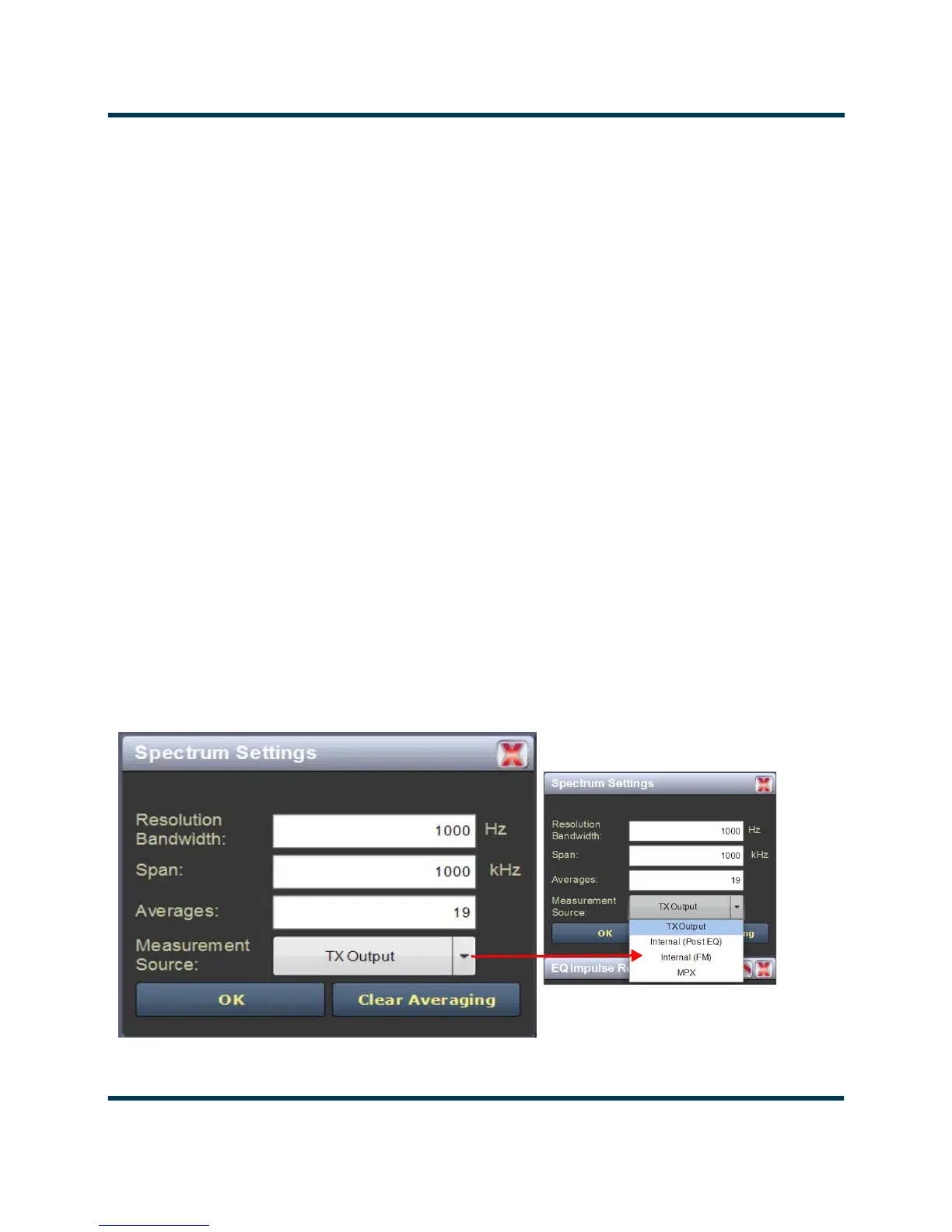
Use the “cog” button to gain access to spectrum settings (see Figure 2.21) such as:
• Resolution Bandwidth: determines the FFT bin size or the smallest frequency that can be
resolved. Allowable range is 75 - 10,000 Hz. Default setting is 1000 Hz.
• Span: determines the start and stop frequencies of the analyzer with the carrier frequency
always at the center. Allowable range is 10 - 1200 kHz. Default setting is 1000 kHz.
• Averages: determines the number of averages that the analyzer performs per sweep. Press
the Clear Averaging button to restart the averaging process. Allowable range is 0 - 100 kHz.
Default setting is 19.
• Measurement Source: determines the source of the spectrum plot (transmitter output,
audio analyzer, etc.) that is being displayed. Selecting TX Output uses the exciter’s RF sample
feedback signal to display the RF output spectrum. Selecting Internal (Post EQ) displays the
signal that will be produced by the exciter. Selecting Internal (FM) uses the exciter’s RF sig-
nal, before being equalized (if applicable). Selecting MPX shows the composite baseband
signal.
Figure 2.21: Spectrum Settings



 To Next Page