35
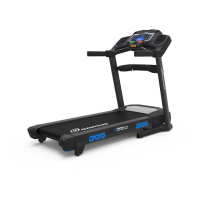
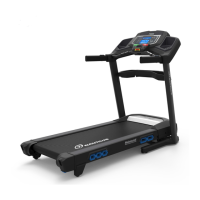
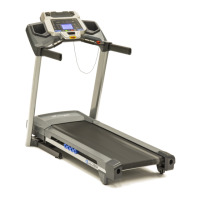
NOTICE: ThisdocumentprovidesinstructionsforthereplacementoftheMotorCoverontheNautilus
™
T624/T626/T684/T686 and Schwinn
®
530/570 Treadmills.
If you need assistance, please contact your local Nautilus distributor. To find your local distributor, go to: www.nautilusinternational.com
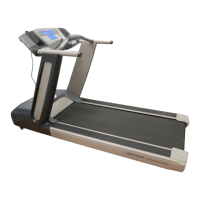
Note: The Nautilus™ T626 is used in the following images. The procedure
is the same for the Nautilus™ T624/T684/T686 and Schwinn
®
530/570
models.
1.Unplugthepowercordfromthemachineandwait5minutes.Placethe
power cord in a secure location.
2. Using a #2 Phillips screwdriver remove the 4 indicated screws, and two
additional screws on the far side, from the Motor Cover and remove it.
3. Re-install all remaining parts that were removed in reverse order.
4. Final Inspection
Inspect your machine to ensure that all hardware is tight and components
are properly assembled.
Do not use until the machine has been fully assembled and
inspected for correct performance in accordance with the
Owner’s Manual.
!
To reduce the risk of electrical shock or unsupervised usage of the equipment, always unplug the power cord from the wall outlet
andthemachineandwait5minutesbeforecleaning,maintainingorrepairingthemachine.Placethepowercordinasecure
location.
Motor Cover


 To Next Page
 Loading...