Chapter 1: Installation
Unpacking
Before unpacking the LCD Monitor, prepare a suitable workspace for
your Monitor and computer. You need a stable and clean surface near a
wall power outlet. Make sure that LCD Monitor has enough space
around it for sufficient airflow. Though the LCD Monitor uses very
little power, some ventilation is needed to ensure that the Monitor does
not become too hot.
After you unpack the LCD Monitor, make sure that the following items were included
in the box:
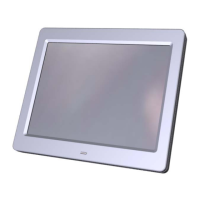
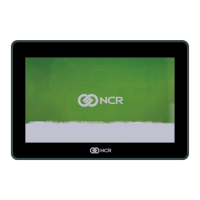
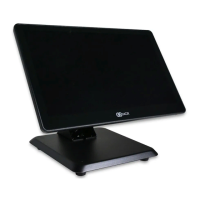
• LCD Monitor
• 1.5M Monitor-to-PC signal Cable
• User's Manual
• AC Adapter
If you find that any of these items is missing or appears damaged,
contact your dealer immediately.



 To Next Page