AE- 1 5 0 s y s t e m – U s e r M a n u a l
24
Pinpoints and vectors
Note: Up to four pinpoints and four vectors can be created with five de-
noised signals.
In the Calculator tab, click on the Create Pinpoints button. The number
of created pinpoints will be displayed in the field below the Accept
button.
The pinpoints will be displayed on the transformer tank representation.
To accept these pinpoints, click the Accept button.
Click on the Create Vectors button. The number of created vectors will
be displayed in the field below the Accept button.
To accept these vectors, click the Accept button.
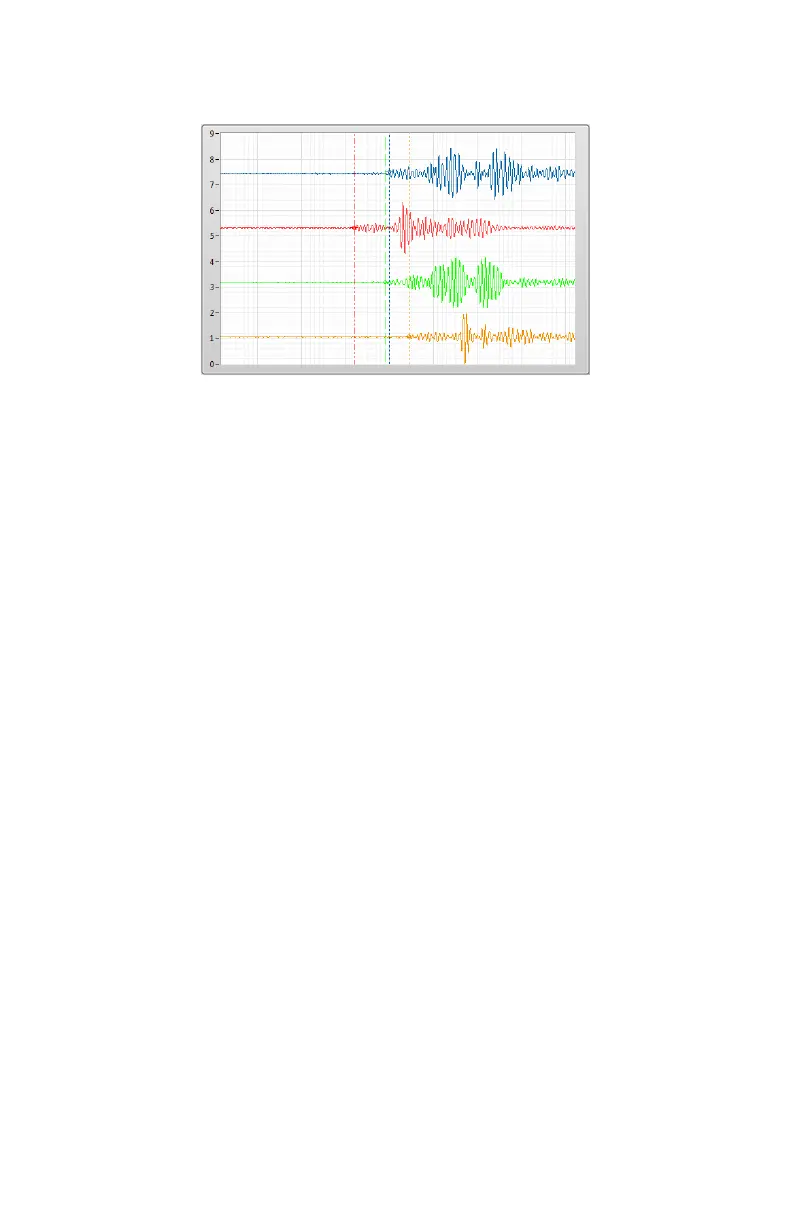
If no pinpoint or vector are found, manually adjust the cursors
positions at the beginning of each waves (especially acoustic) as human
eye can often improve on automated result. This step is critical and
must be performed precisely.


 To Next Page