English - 36
(4) -2 Connect ing all t he LED m odules using a single LAN cable
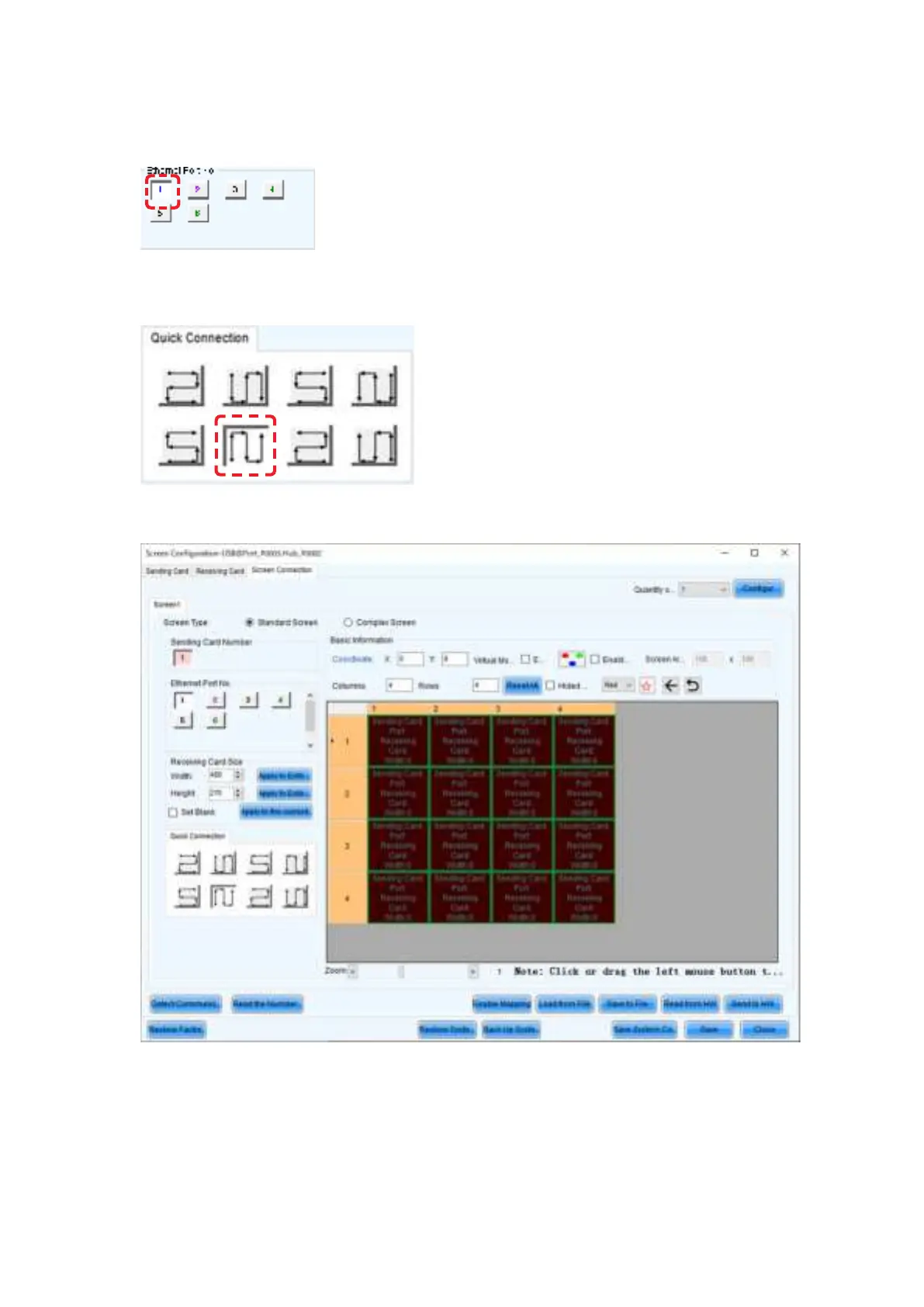
The syst em is connect ed to port 1 of the LED controller.
Select “ 1” ( port 1) under “ Ethernet Port No.” ( f) .
Click ( select ) t he connect ion patt ern under “ Quick Connect ion” ( i) . Since the m odules are connect ed
from the bottom left to the top right in the example, the pattern is as shown in the gure.
Select all the cabinets from the top left to the bottom right as shown in the gure below.



 To Next Page