English - 37
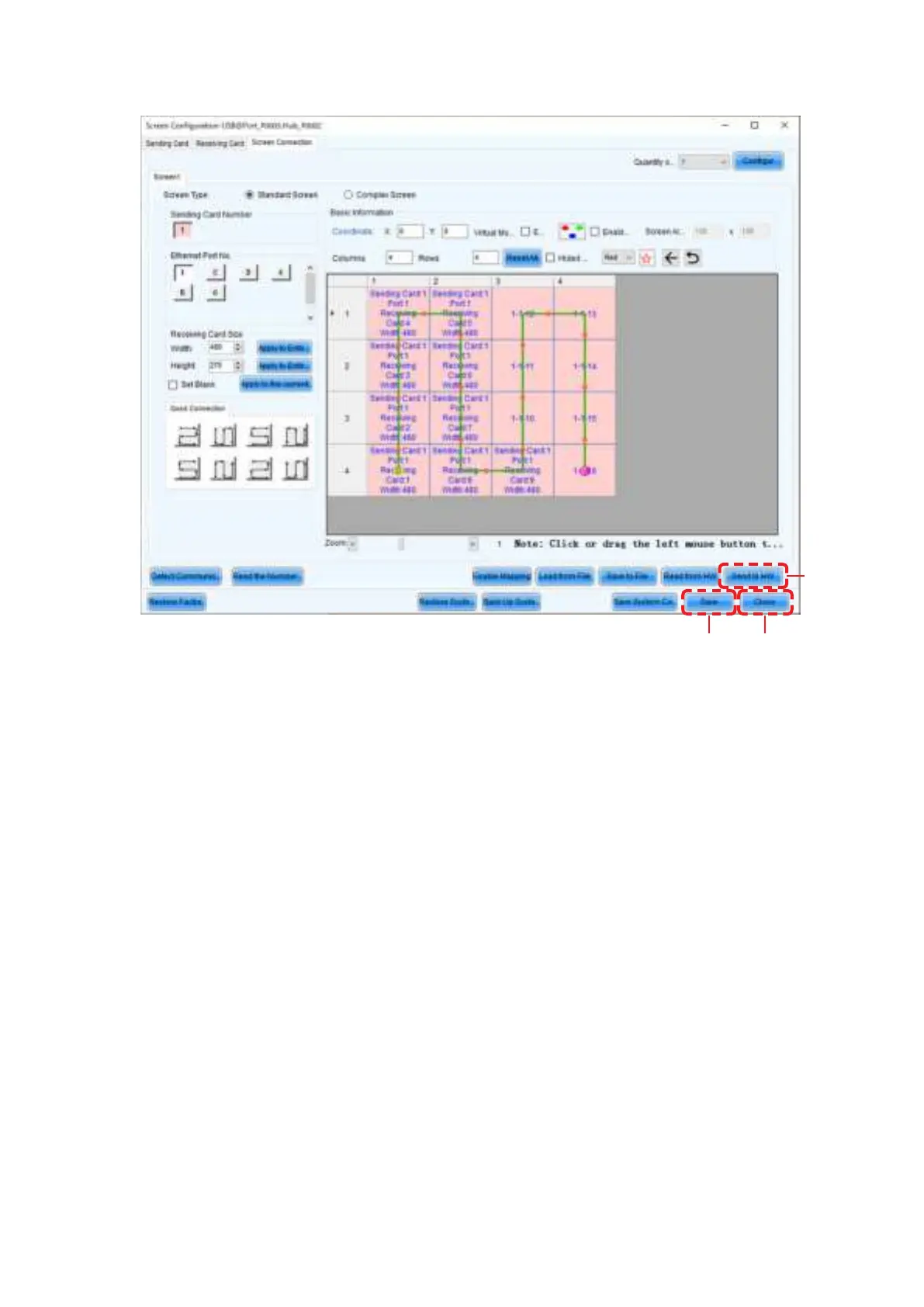
The select ion is done aut om atically to obtain t he screen below.
(k)
(j)
(l)
(5) Save the set t ings.
(a) Click the “Send to HW” button (j). When the dialog box indicating that the process nished
successfully is displayed, click OK.
(b) Check that t he im age is correctly displayed, and t hen click t he “Save” but ton ( k) . When the screen
indicating that the process nished successfully is displayed, click OK.
The setting of the screen conguration is complete. Click the “Close” button (l) to close the Screen Conguration
screen.



 To Next Page