Disassembly and Reassembly 3-19
Speakers
Follow these steps to remove the speakers.
1. Remove the LCD panel, keyboard, heat plate, top cover, audio board, and I/O board from
the system.
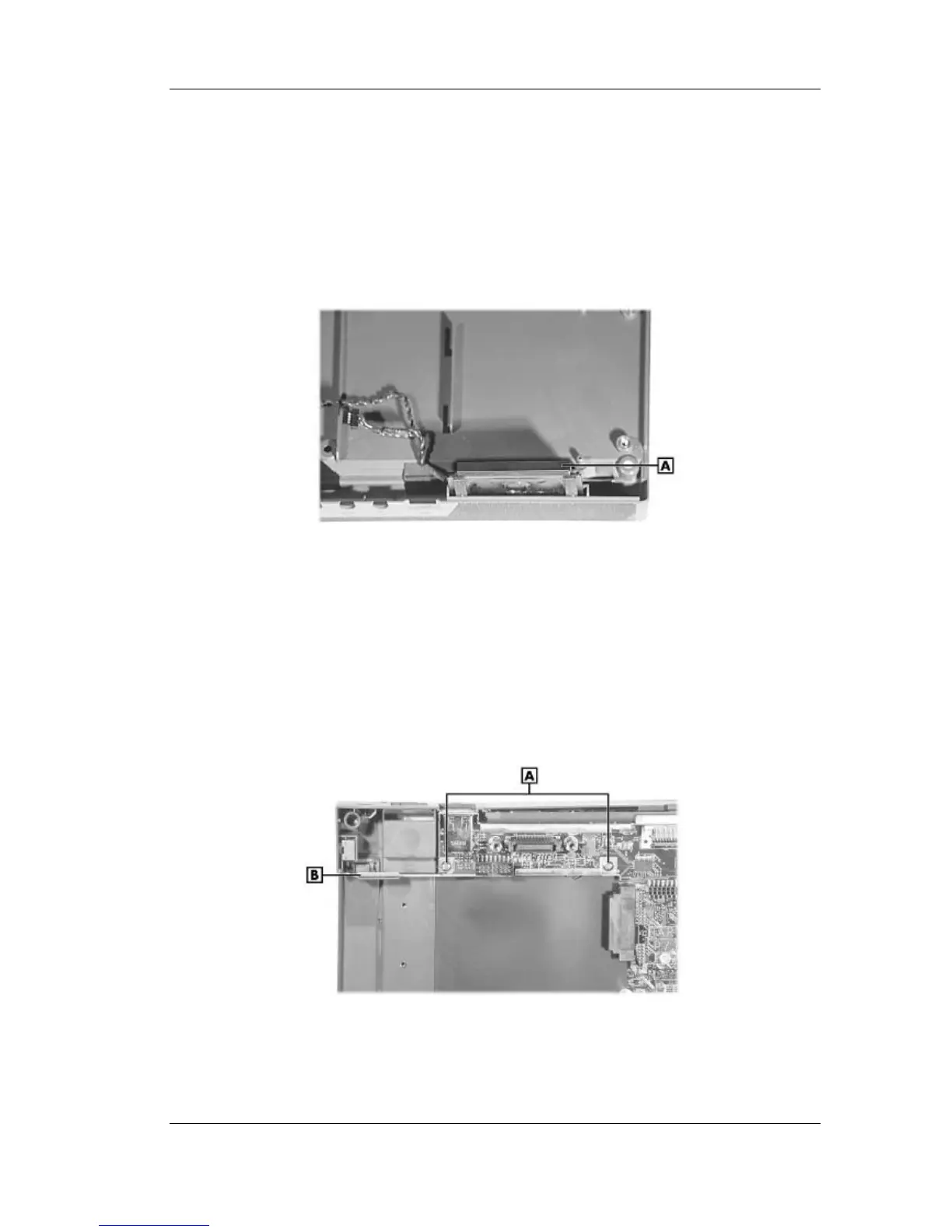
2. Slide the speaker up out of the front of the base assembly. There are two speakers.
Removing the speaker
A – Speaker
Kensington Lock Latch
Use the following steps to remove the Kensington lock latch.
1. Remove the LCD panel, keyboard, heat plate, and top cover from the system.
2. Locate and remove the two screws securing the lock latch to the main board.
Removing the lock latch screws
A – Screws B – Lock Latch
3. Lift the Kensington lock latch out of the base assembly.



 To Next Page