3-14 Disassembly and Reassembly
Audio Board
Follow these steps to remove the audio board.
1. Remove the LCD panel, keyboard, heat plate, and top cover from the system.
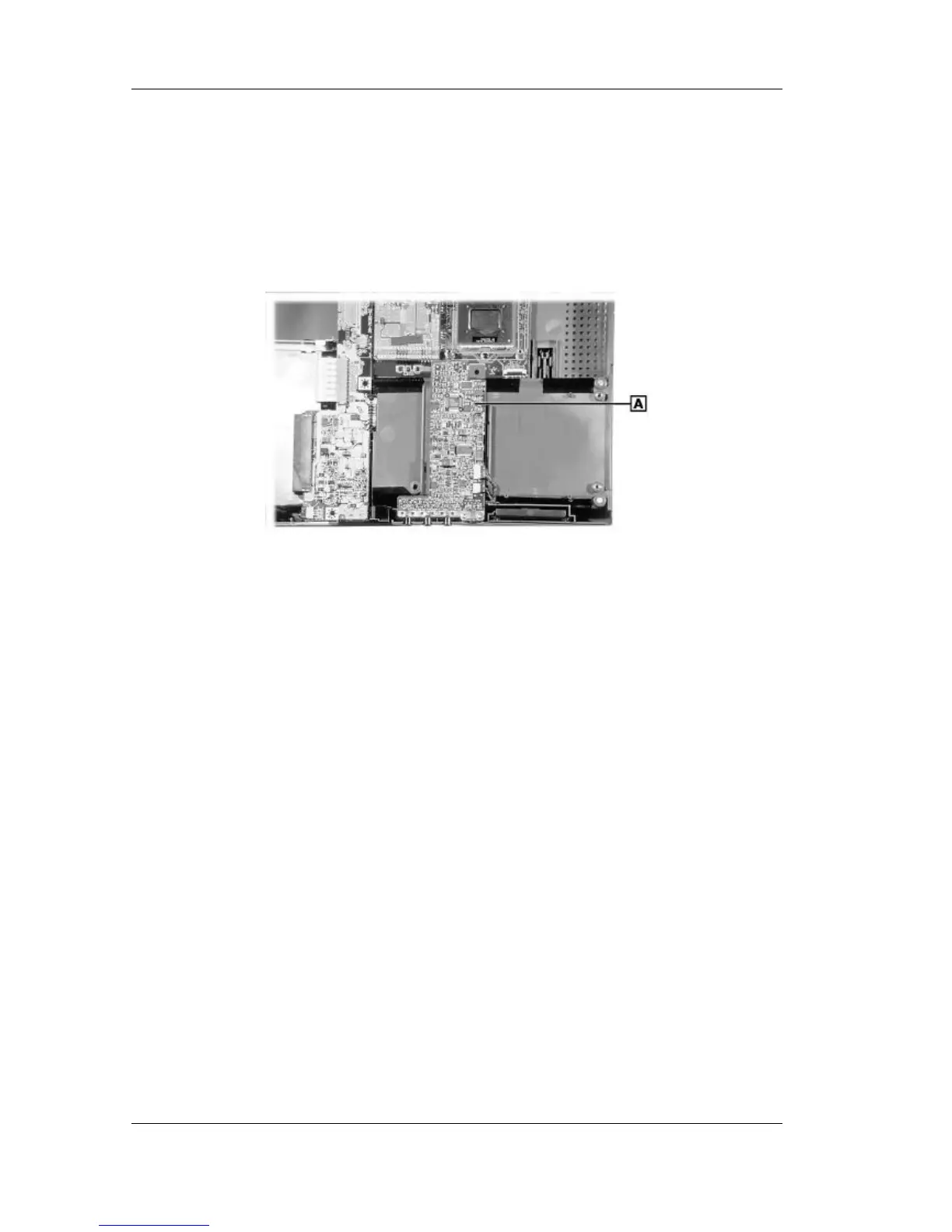
2. Carefully disconnect the audio board from connector P7 on the main board by lifting the
audio board.
Disconnecting the audio board
A – Audio Board
3. Disconnect the cables from connectors P1 and P2 on the audio board and remove the audio
board.



 To Next Page