3-12 Disassembly and Reassembly
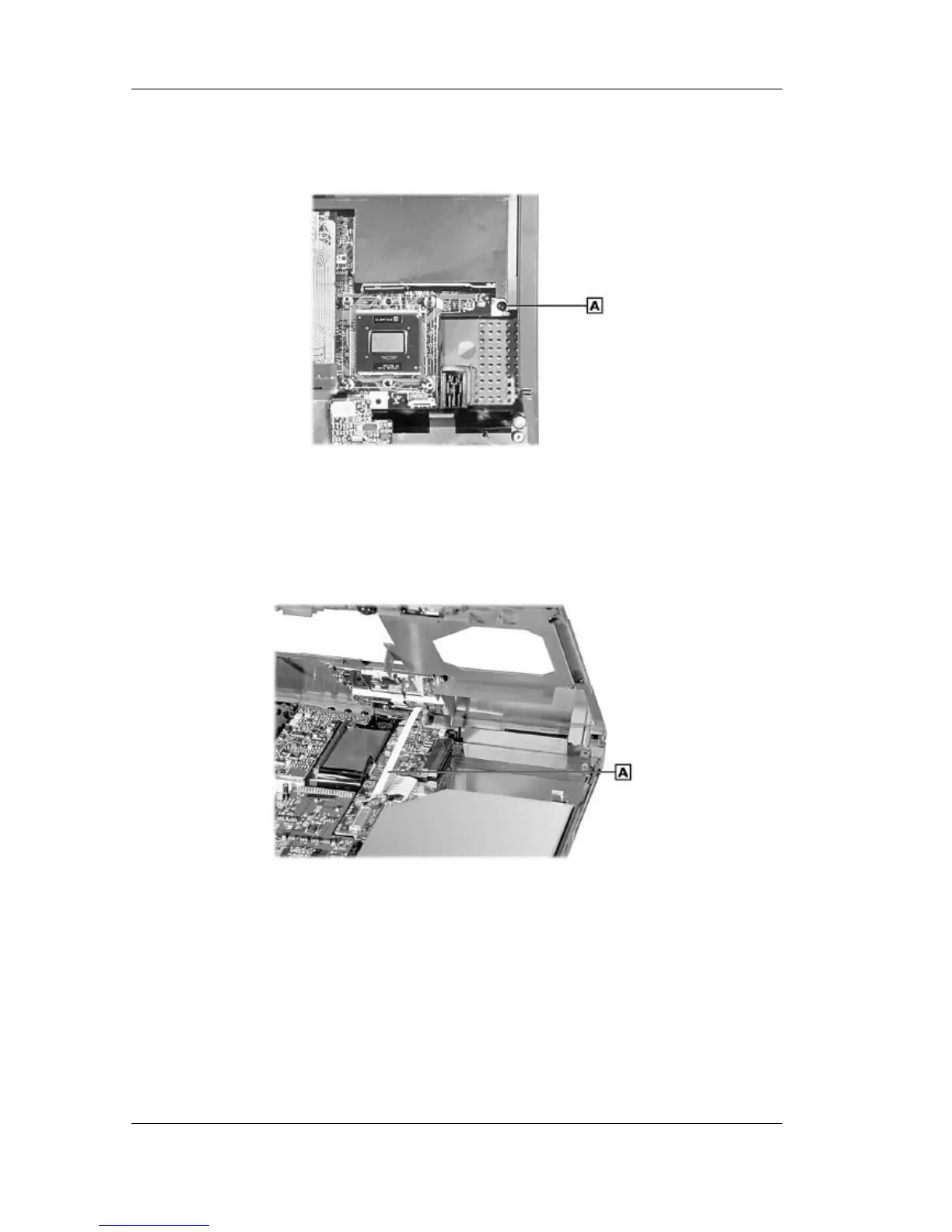
6. Locate and remove the one screw on the top that secures the top cover.
Removing the top screw
A – Screw
7. Partially lift the top cover. Disconnect the VersaGlide cable from connector P8 on the I/O
board. Remove the top cover.
Removing the top cover
A – VersaGlide Cable
VersaGlide
Follow these steps to remove the VersaGlide assembly.
1. Remove the LCD panel, keyboard, heat plate, and top cover from the system.



 To Next Page