Disassembly and Reassembly 3-21
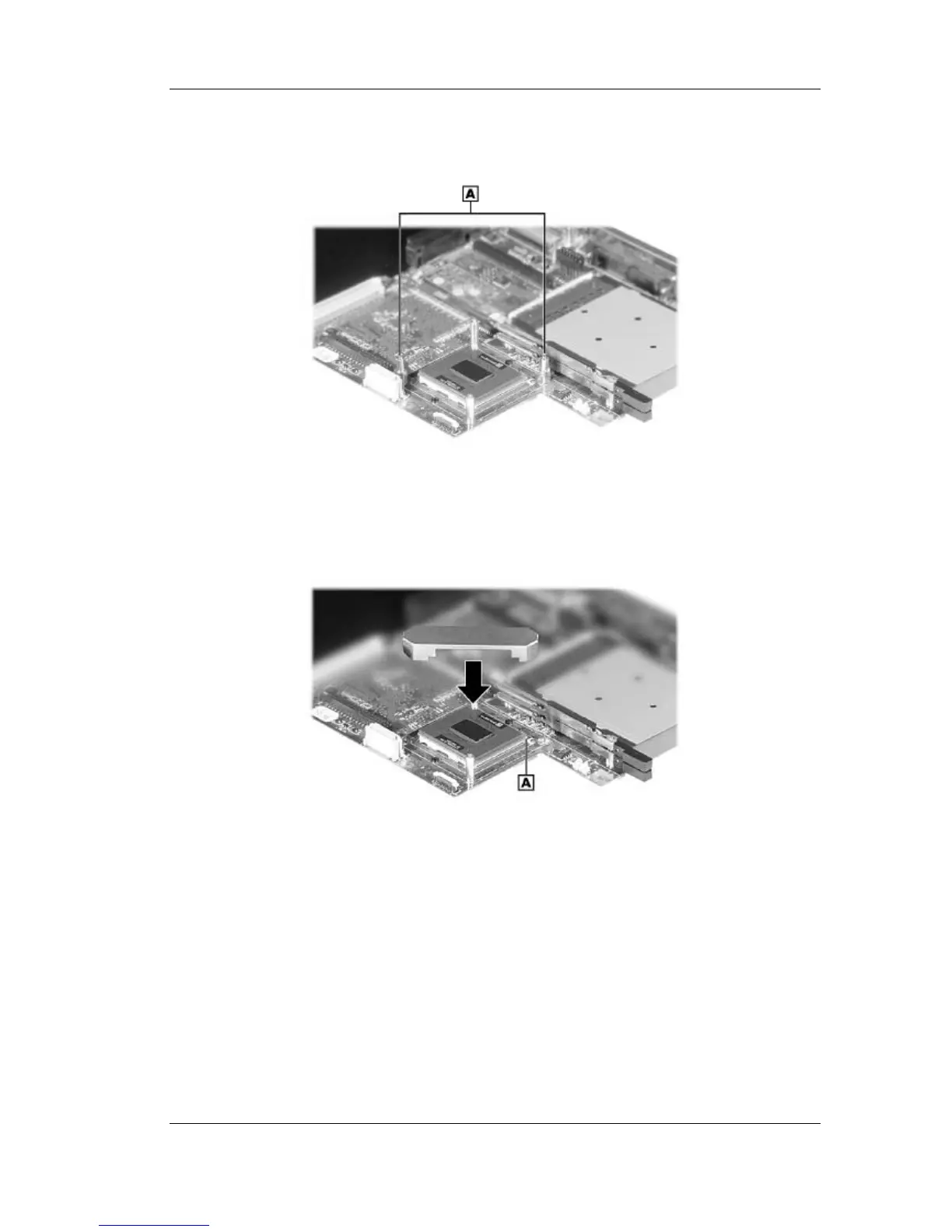
2. Locate the CPU. Locate and remove two of the CPU stand-offs.
Removing the CPU stand-offs
A – Stand-offs
3. Locate pin 1 on the CPU (identified by the triangle). Align and place the actuation block of
the insertion/extraction tool over pin 1 and the pin diagonally opposite pin 1.
Placing the actuation block
A – Pin 1



 To Next Page