28
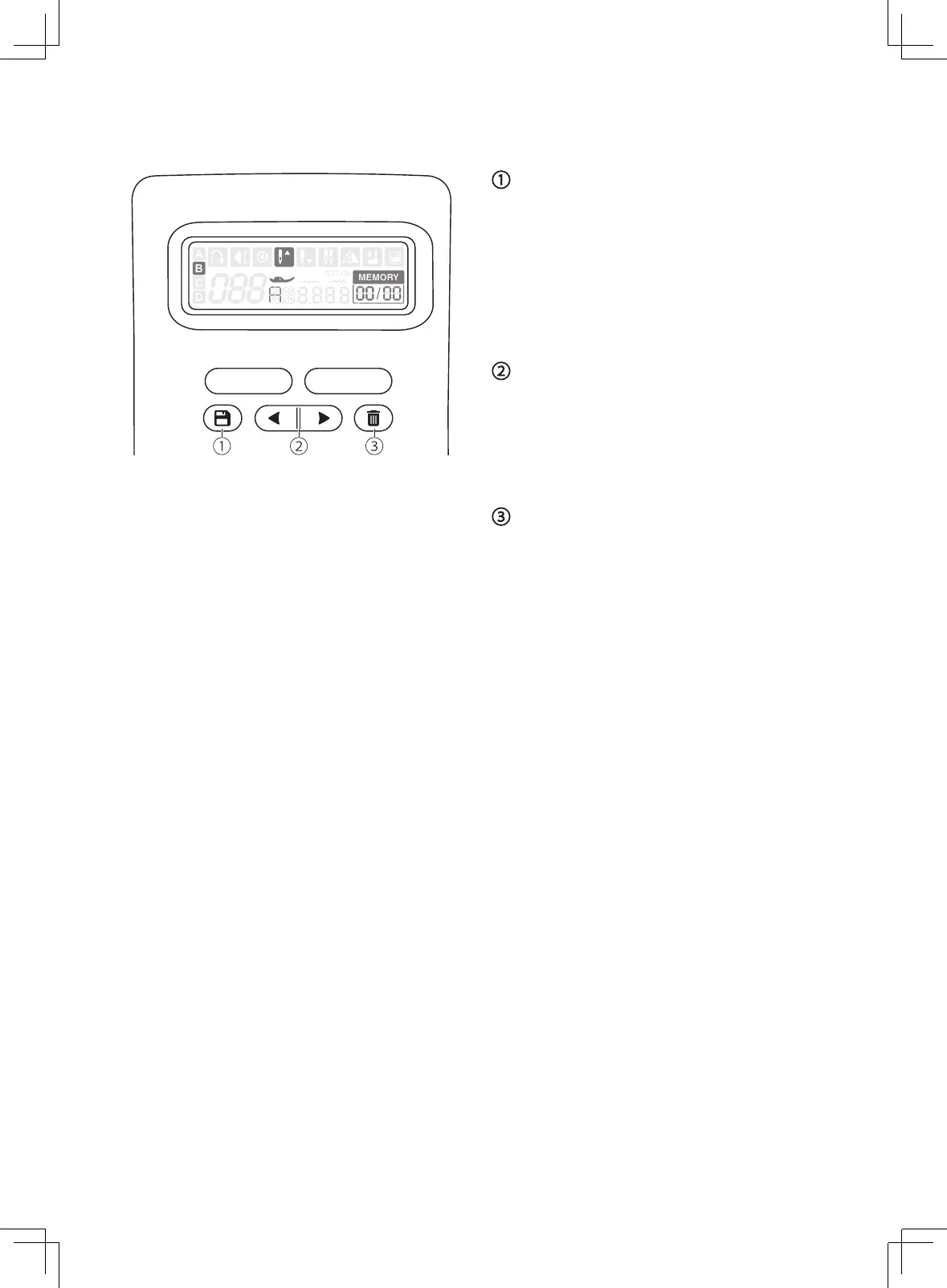
Memory function buttons
Memory button
Press the memory button to enter the memory
mode, and store the combination of stitches
desired. Press the memory button again to
leave the memory mode.
Memory stitch selecting button
Use the arrow button "left" or "right" to
selected the memorized stitch.
Clear button
Press the clear button to delete the stitch that
you want to clear and the next stitch in the
back will move forward.


 To Next Page