30
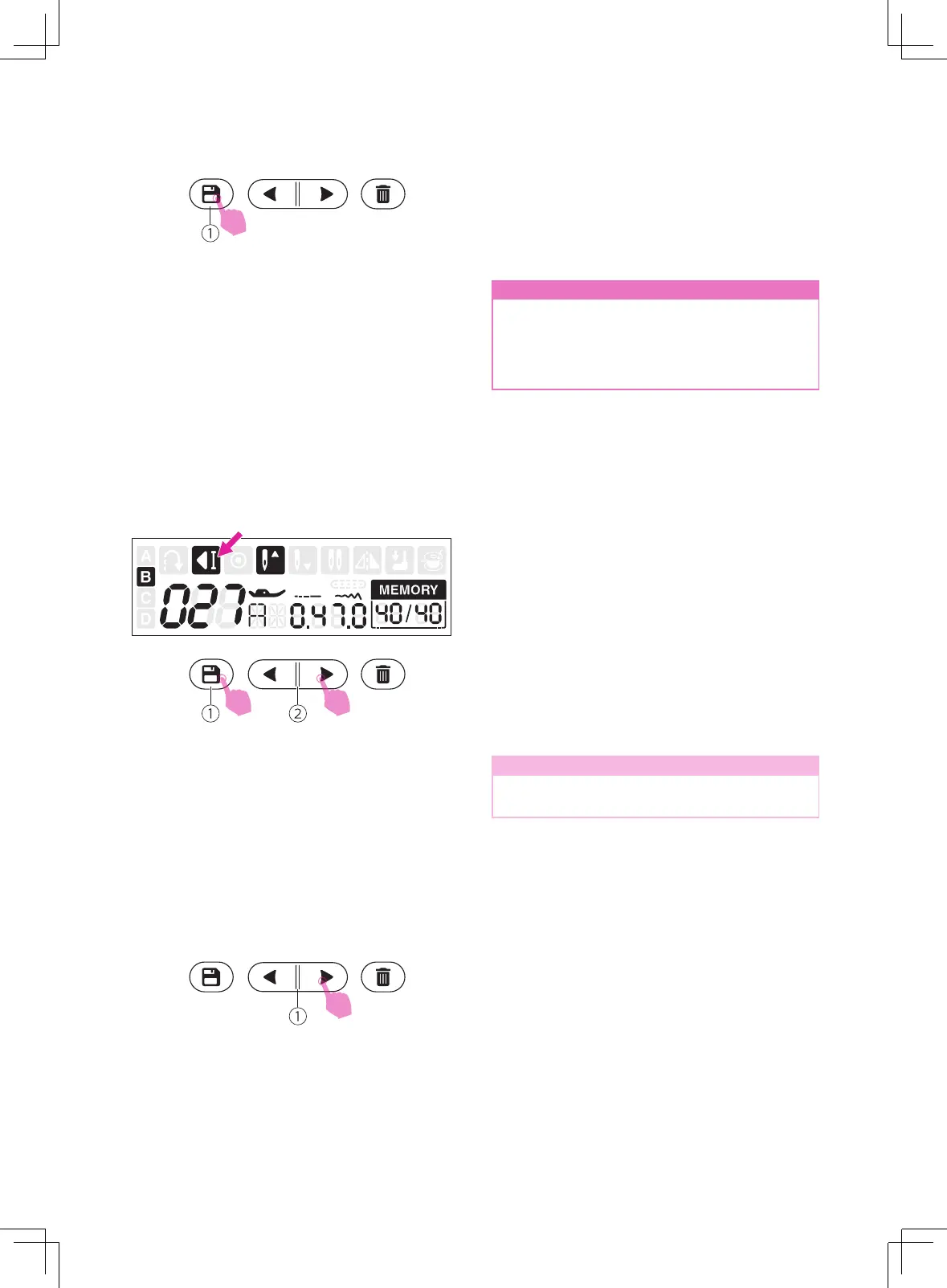
Press the memory button to save the stitches
combination, and return to standard sewing
mode. Recall the memorized stitches and
start to sew.
①
Memory button
n
Attention
The selected stitch will be cleared from the
memory program after closing the machine
if you do not press the memory button
again when you have completed your
selection.
v
Inserting stitches
Use the memory stitch selecting button "left"
or "right" move prior to the stitch you left out.
Then select the pattern group and stitch you
would like to add, the stitch number you have
selected is displayed, then add the new stitch.
①
Memory stitch selecting button
v
Recalling and sewing the
memorized stitches
Press the memory button to enter the memory
mode.
Scroll memory stitch selecting button "left"
or "right" repeatedly, the LCD will display the
stitch numbers and the settings that have
been stored one by one.
①
Memory button
②
Memory stitch selecting button
Note
The last stitch will be tied off automatically
under the memory mode.
1
2


 To Next Page