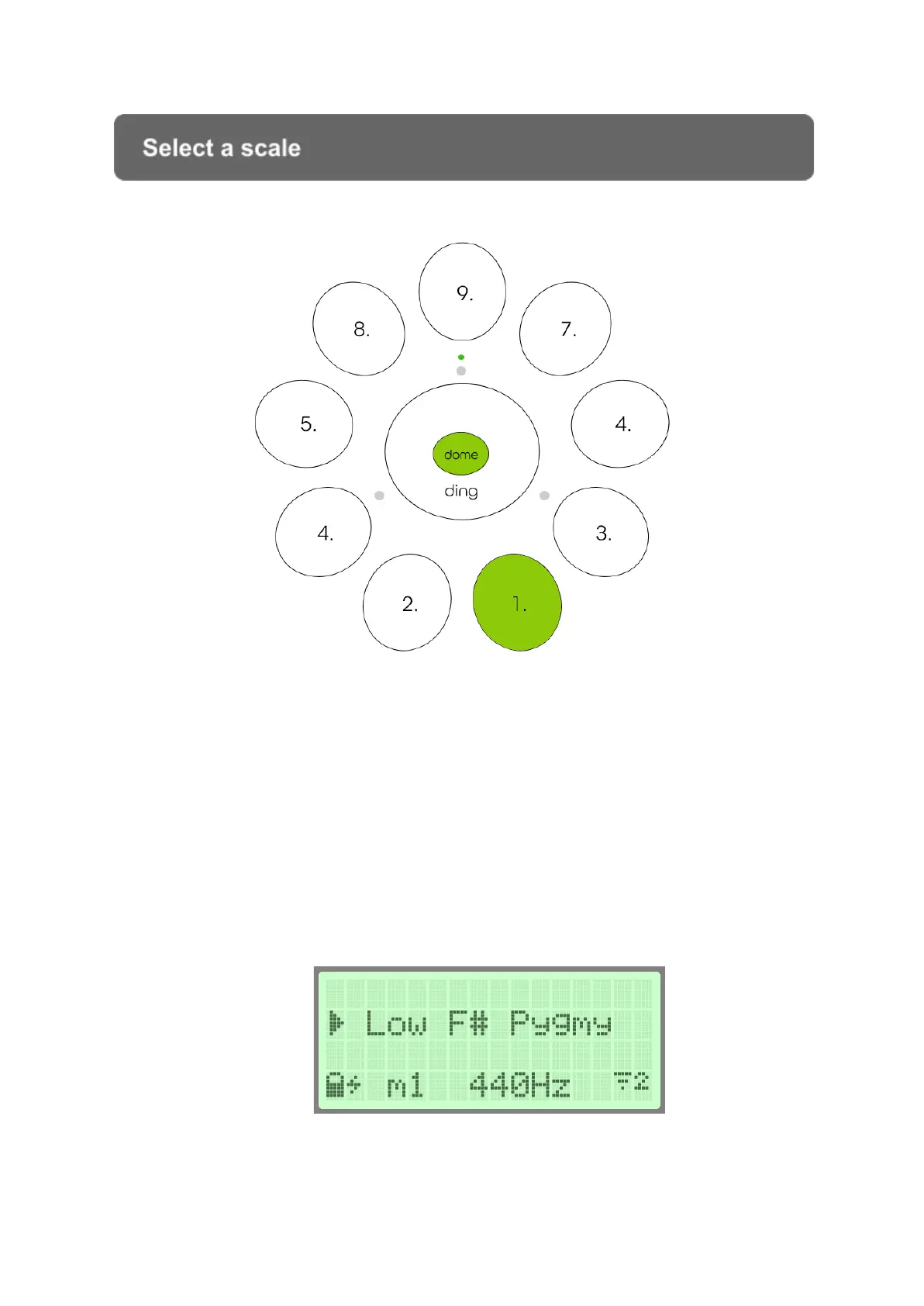
Select a scale
The instrument has a maximum of 9 scales to choose from. By pressing a side
tonefield and the dome simultaneously the LCD screen will display the name of the
scale assigned to that tonefield, and by holding down the pressure for an additional 2
seconds will start loading that scale.
On the left hand side of the LCD screen the arrow icon is indicating which scale will
be loaded. To continuous pressure the arrow will turn into a circular spinning icon
until the end of the loading (the status icon LED on the top of the instrument turns
orange during the loading).


 To Next Page