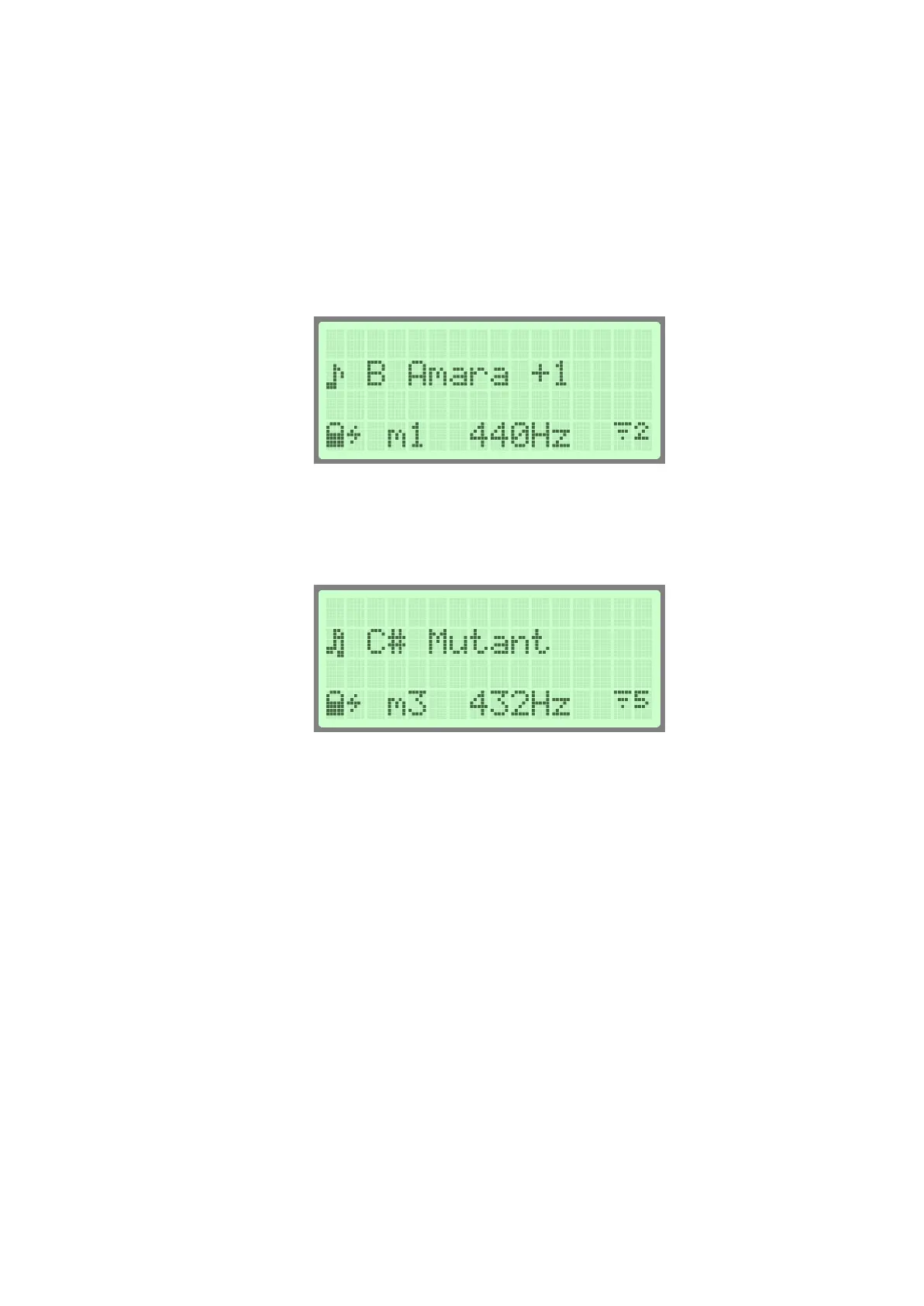
When the music note icon appears on the LCD screen and the status icon LED on
the top of the instrument turns green marks that the loading of the selected scale
finished and was successful. Now the instrument is ready to play the selected scale.
The double music note icon indicates that the loaded and used scale is a mutant
scale. Every scale which has 11 notes or above counts as a mutant scale.
You can switch between instrument scales by holding down the DOME and one of
the side tonefields simultaneously for 2 seconds. You can choose 6 scales by default:
DOME+1: B Amara B2 F#3 A3 B3 C#4 D4 E4 F#4 A4 B4
DOME+2: C Aegean C3 E3 G3 B3 C4 E4 F#4 G4 B4 E5
DOME+3: C# Pygmy C#3 F#3 G#3 A3 C#4 E4 F#4 G#4 A4 C#5
DOME+4: D Kurd D3 A3 Bb3 C4 D4 E4 F4 G4 A4 C5
DOME+5: F# Pygmy F#2 C#3 F#3 G#3 A3 C#4 E4 F#4 G#4 A4
DOME+6: G Romanian Hijaz G3 C4 D4 D#4 F#4 G4 A4 A#4 C5 D5
For example, to switch to scale B Amara, hold down the DOME and tonefield #1
simultaneously for 2 seconds. After 2 seconds the light will turn ORANGE which
means that the scale is loading. During this time the instrument is muted. After a
scale is loaded the front light will turn GREEN, and the instrument will play a note to
indicate that it is ready.
The instrument will load the scale that was last selected when turned on.


 To Next Page