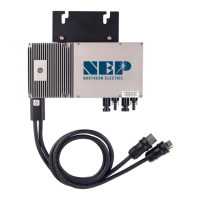
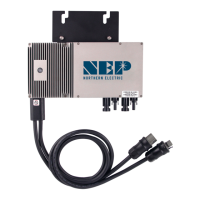
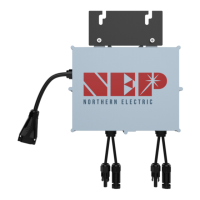
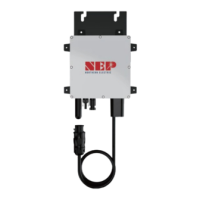
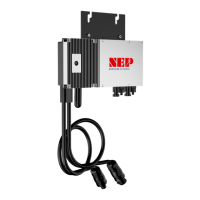
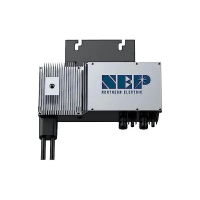
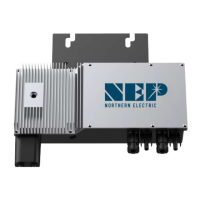
ALWAYS DISCONNECT AC POWER BEFORE DISCONNECTING PV MODULE WIRES
FROM THE BDM-600. THE AC CONNECTOR OF THE FIRST BDM-600 IN A BRANCH CIRCUIT IS
SUITABLE AS A DISCONNECTING MEANS ONCE THE AC BRANCH CIRCUIT BREAKER IN THE
LOADCENTER HAS BEEN OPENED.
LED indica�on of error
error mode (except for grounding error)
The LED light shes in red color.
NOT communica�ng with BDG-256, and with no error
The LED light shes in orange color.
grounding fault
The LED light is in solid red color.
Troubleshoo�ng an inoperable BDM-600
To troubleshoot an inoperable BDM-600, follow the steps in the order shown:
1. Check the connecon to the ulity grid. Verify that the ulity voltage and
frequency are within allowable ranges shown in the label of BDM-600.
2. Verify ulity power is present at the inverter in queson by removing AC, then DC
power. Never disconnect the DC wires while the BDM-600 is producing power.
Re-connect the DC module connectors, and then watch for the LED blinks.
3. Check the AC branch circuit interconnecon harness between all the BDM-600.
Verify that each inverter is energized by the ulity grid as described in the
previous step.
4. Make sure that any AC disconnects are funconing properly and are closed.
5. Verify the PV module DC voltage is within the allowable range shown in the label
of BDM-600.
6. Check the DC connecons between the BDM-600 and the PV m
odule.
7. PLC signal quality may be checked through the interface on the BDG-256 gateway.
If the PLC signal is weak, it might be due to the distance between the micro
inverters and the gateway. It may also be caused by the interference from other
electronic devices. In most cases, signal quality may be signitly improved by
moving the BDG-256 to closer to the micro inverter arrays, and/or farther away
from other interferers. In some cases, a signal lter
(LCF) may be installed to
reduce the interference to PLC communicaon. If there are two or more
separate BDM systems close by, it is highly recommended to install LCF for each
micro inverter system to block interference from adjacent other systems.
7. If the problem persists, please call customer support at NEP.
WARNING:
DO NOT ATTEMPT TO REPAIR THE BDM-600; IT CONTAINS NO
USER-SERVICEABLE PARTS. IF TROUBLESHOOTING METHODS FAIL, PLEASE RETUR
N THE
BDM-600 TO YOUR DISTRIBUTOR FOR MAINTENANCE.
Disconnec�ng a BDM-600 from the PV Module
To ensure the BDM-600 is not disconnected from the PV modules under load,
adhere to the following disconnecon steps in the order shown:
1. Disconnect the AC by opening the branch circuit breaker.
2. Disconnect therst AC connector in the branch circuit.
3. Cover the module with an opaque cover.
4. Using a DC current probe, verify there is no current owing in the DC wires
between the PV module and the BDM-600.
5. Care should be taken when measuring DC currents, most
clamp-on meters
must be zeroedrst and tend to driwith me.
6. Disconnect the PV module DC wire connectors from the BDM-600.
7. Remove the BDM-600 from the PV array racking.
Installing a replacement BDM-600
1. Aach the replacement BDM-600 to the PV module racking using hardware
recommended by your module racking vendor in the same locaon as the one
previously removed.
2. Connect the AC cable of the replacement BDM-600 and the neighboring
BDM-600s to complete the
branch circuit connecons.
3. Obtain serial number of the replacement BDM-600
Each BDM-600 has a removable serial number located on the mounng plate and
addional sckers in the shipping bag.
4. Reconnect the PV Modules.
First connect the posive DC wire from the PV module to the negavely marked
DC connector (male pin) of the BDM-600. Then connect the negave DC wire
from the PV module to the posively marked DC connector (female socket) of the
BDM-600. Repeat for the
remaining PV modules.
5. Replace the old PLC ID in the BDG-256 gateway with the new PLC ID of the
newly installed micro inverter.


 To Next Page