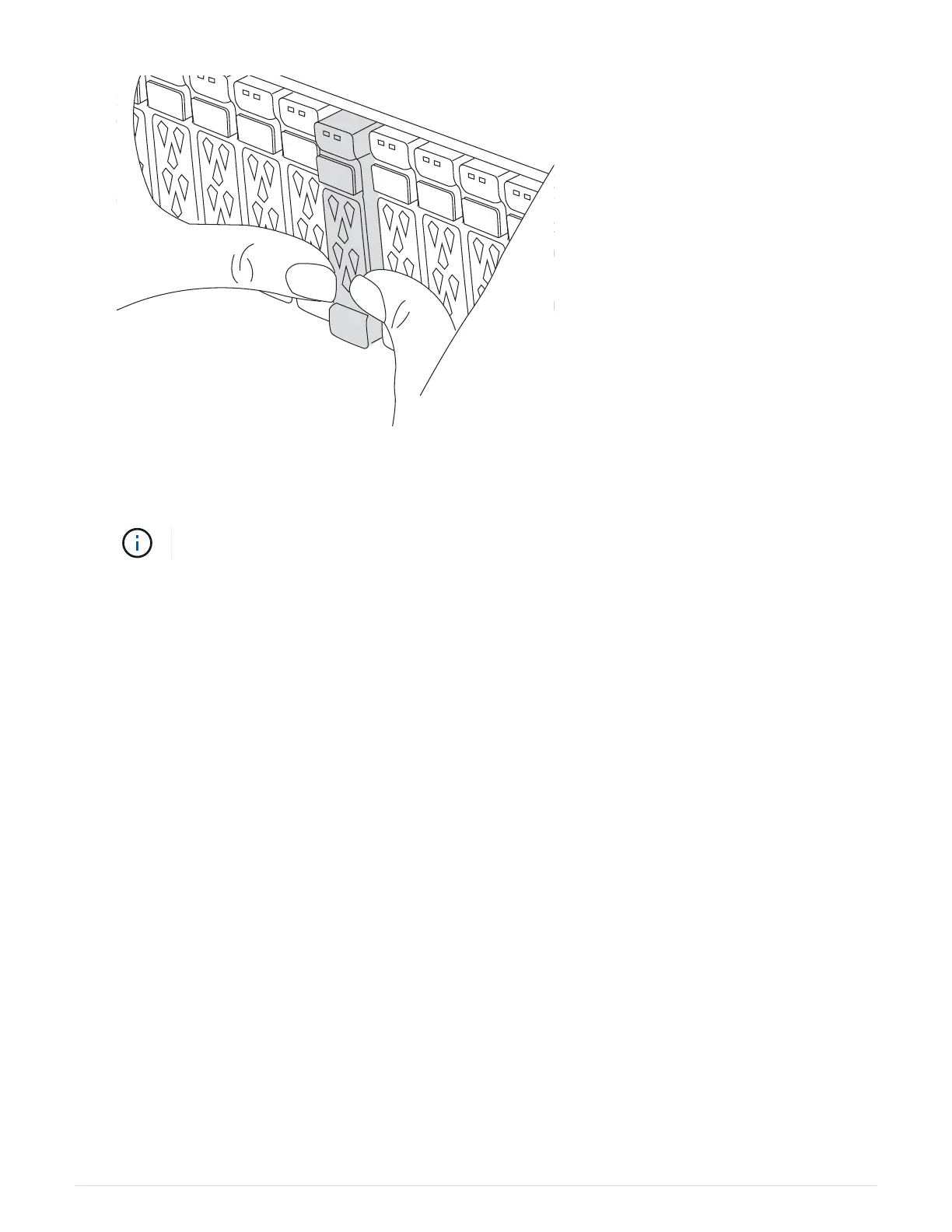
2. Go to the rear of the chassis. If you are not already grounded, properly ground yourself.
3. Unplug the power cord from both PSUs.
If your system has DC power supplies, disconnect the power cable block from the PSU.
4. Rotate the cable management tray down by pulling the buttons on the inside of the cable management tray
and rotating it down.
5. Remove the target NVRAM module from the chassis:
a. Depress the cam latch button.
The cam button moves away from the chassis.
b. Rotate the cam latch as far as it will go.
c. Remove the impaired NVRAM module from the chassis by hooking your finger into the cam lever
opening and pulling the module out of the chassis.
61



 To Next Page