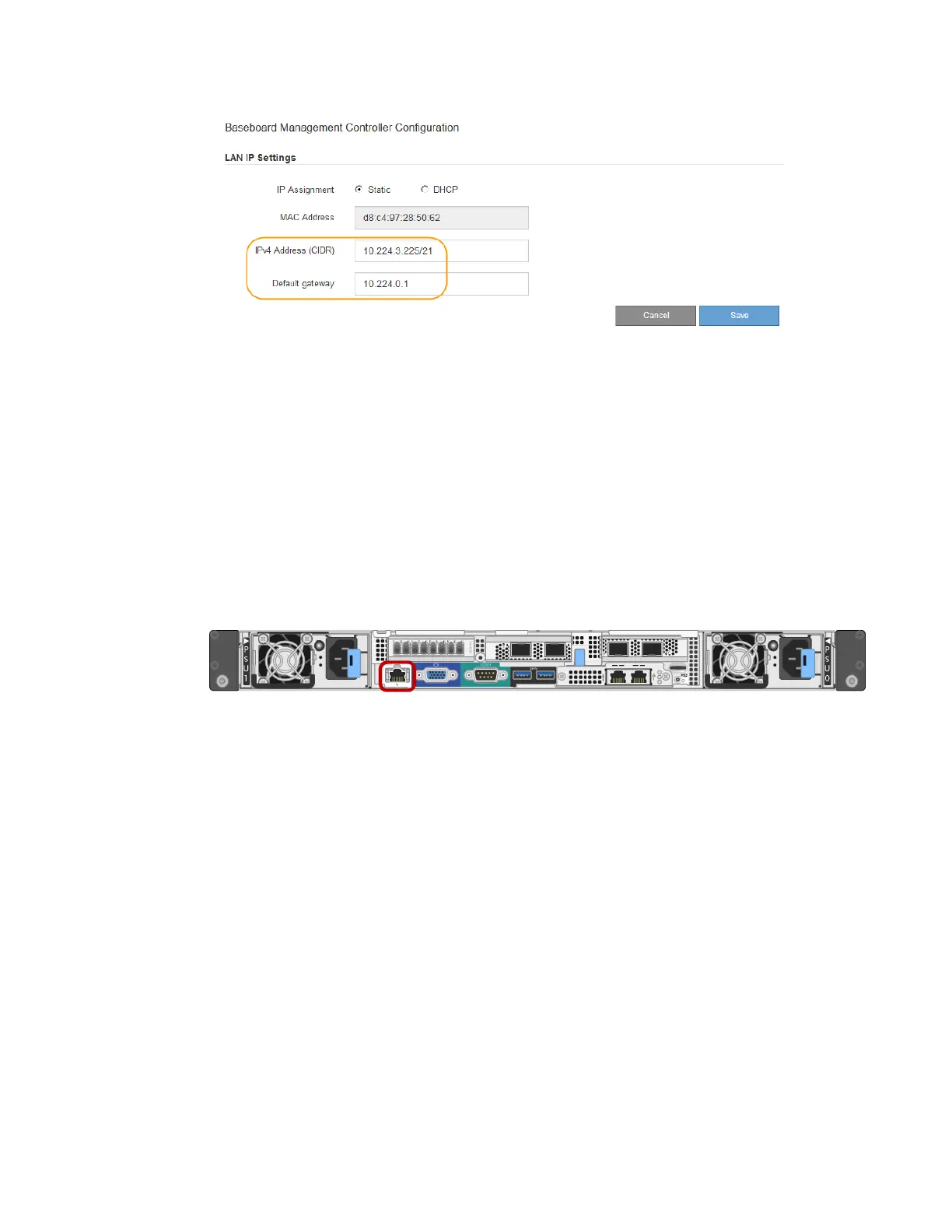
d.
Click Save.
It might take a few minutes for your changes to be applied.
Accessing the BMC interface and changing the root password
You can access the BMC interface on the SG6000-CN controller using the DHCP or static IP address
for the BMC management port. Initially, you access the BMC as “root” and with a default password.
For security, you must change the password for the root user after you first sign in.
Before you begin
• The BMC management port on the SG6000-CN controller is connected to the management
network you plan to use.
• The management client is using a supported web browser.
Steps
1. Enter the URL for the BMC interface:
https://BMC_Port_IP
For BMC_Port_IP, use the DHCP or static IP address for the BMC management port.
The BMC sign-in page appears.
2. Enter the root username and default password:
root
calvin
54
| Hardware Installation and Maintenance Guide for SG6000 Appliances



 To Next Page