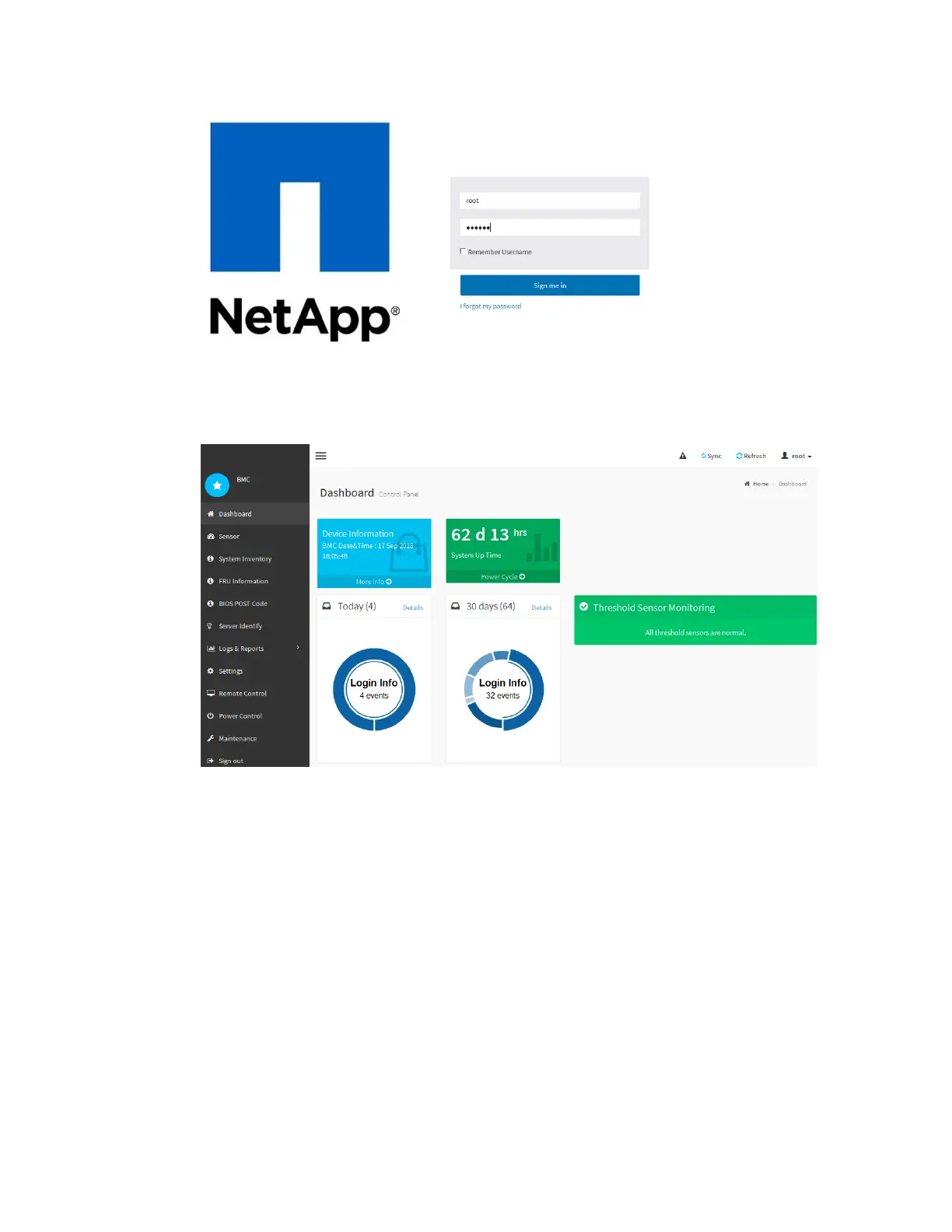
3.
Click Sign me in
The BMC dashboard appears.
4. For security, immediately create your own password for the root account.
a. Select Settings > User Management.
b. Select the root account.
c. Enter and confirm the new password, and click Save.
5. Optionally, create other users by selecting Settings > User Management and clicking on any
“disabled” user.
Configuring SNMP settings for the SG6000-CN controller
If you are familiar with configuring SNMP for hardware, you can use the BMC interface to configure
the SNMP settings for the SG6000-CN controller. You can provide secure community strings, enable
SNMP Trap, and specify up to five SNMP destinations.
Before you begin
• You know how to access the BMC dashboard.
• You have experience in configuring SNMP settings for SNMPv1-v2c equipment.
Configuring the hardware |
55



 To Next Page