16
Ethernet WAN
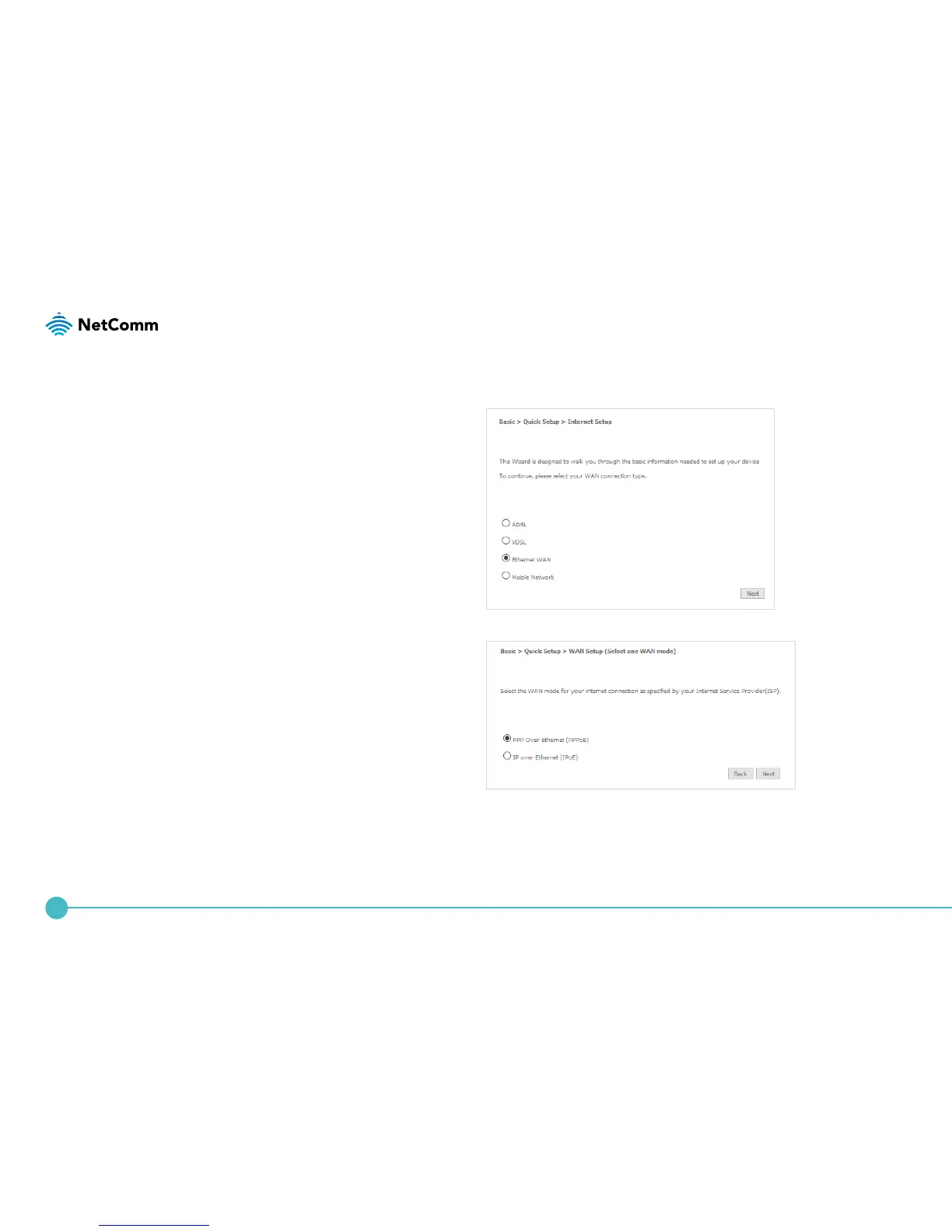
1. Connect an RJ45 Ethernet cable to the WAN port
on the NL1901ACV. Connect the other end of the
cable to your WAN service. Select Ethernet WAN
then click the Next button.
PPP over Ethernet (PPPoE)
1. Select the WAN mode for your internet connection
as specied by your Internet Service Provider (ISP).
Click the Next button.




 To Next Page