19
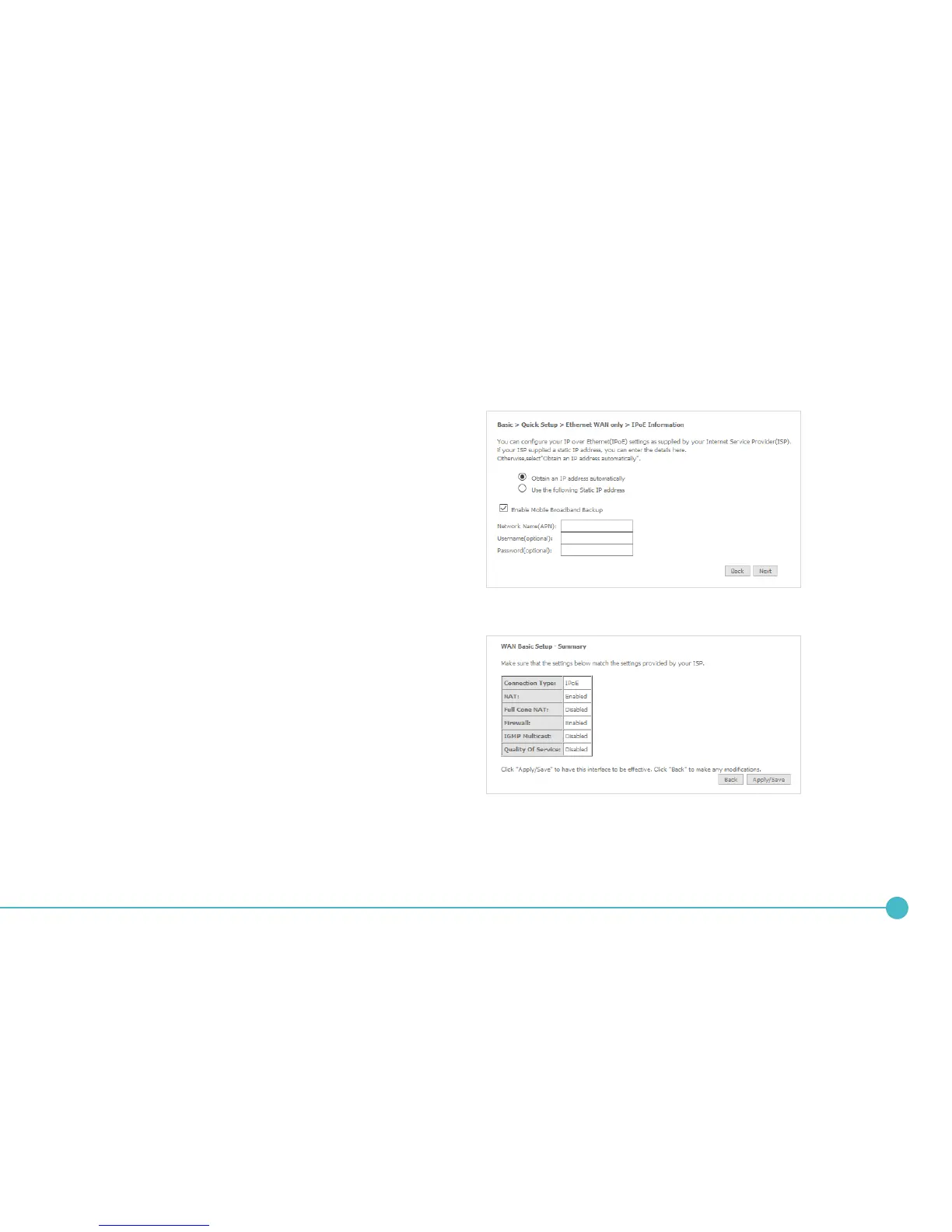
3. If your ISP has supplied a static IP address, select
Use the following Static IP address and enter
the details, otherwise select Obtain an IP address
automatically. If you want to use the cellular
backup feature, select Enable Mobile Broadband
Backup, then enter the required details. Contact
your mobile carrier if you are unsure of the details.
Click the Next button.
4. The settings are displayed in a summary. Click
Apply/Save to save them.
5. The account settings are saved and the
NL1901ACV connects to the internet.




 To Next Page