25
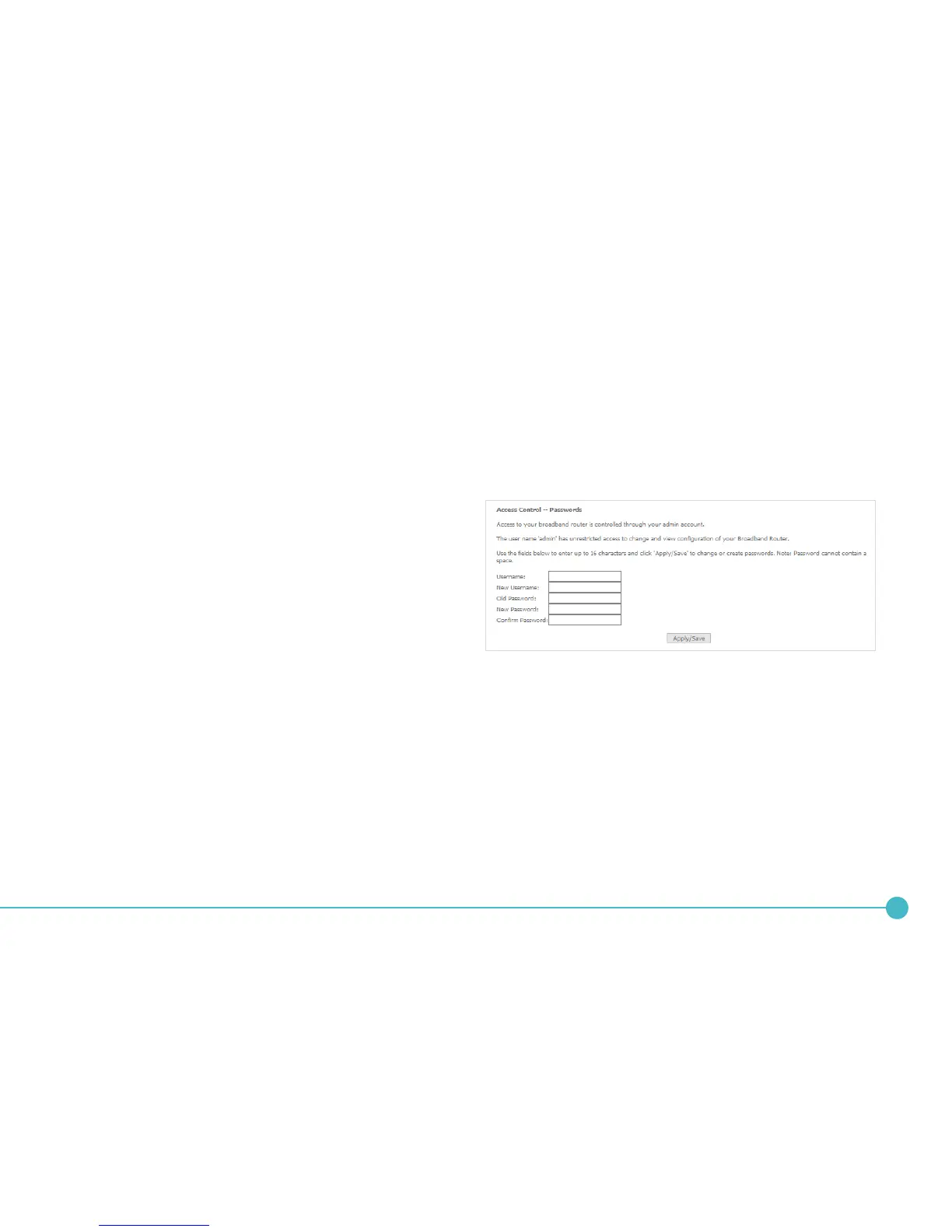
3. In the Username eld, enter the current username.
4. In the New Username eld, enter the desired
username. It may be the default setting of ‘admin’,
but the eld must not be empty.
5. In the New Password and Conrm Password
elds, enter a new password. When choosing a
password, try to ensure that it:
• is unique;
• is sufciently long (at least 8 characters in length);
• uses a mix of letters, numbers and symbols;
• does not contain any personal information or
common words.
6. Click the Apply/Save button.





 To Next Page