8-1
v1.1, September 2009
Chapter 8
Maintenance
Using the Maintenance Options
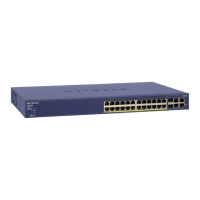
The navigation pane at the top of the web browser interface contains a Maintenance tab that
enables you to manage your FS728TP Smart Switch with features under the following main menu
options:
• “Reset”
• “Upload”
• “Download”
• “File Management”
• “Troubleshooting”
The description that follows in this chapter describes configuring and managing maintenance
options in the FS728TP Smart Switch.
Reset
The Reset menu contains the following options:
• “Device Reboot”
• “Factory Default”
Device Reboot
The Device Reboot screen resets the device.
To reset the device:
1. Click Maintenance > Reset > Device Reboot. The Device Reboot screen displays:






 To Next Page