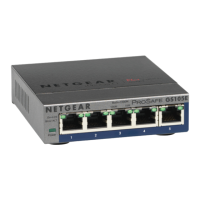
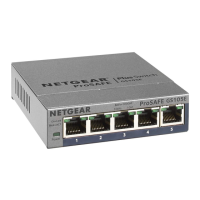
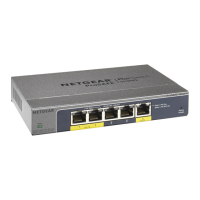
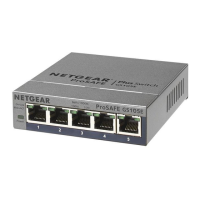
2. Connect the switch
Sample connections
Access point
Security cameras
VoIP phone
Router Internet
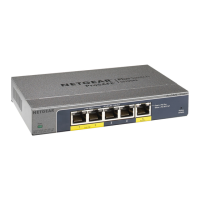
GS105PP
Internet
PoE+
Before connecting this switch to outdoor cables or devices, see
kb.netgear.com/000057103 for safety and warranty information.
This switch is designed for indoor use only. If you want to connect to a device
located outdoors, the outdoor device must be properly grounded and surge
protected, and you must install an Ethernet surge protector inline between the
switch and the outdoor device. Failure to do so can damage the switch.
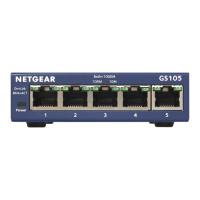
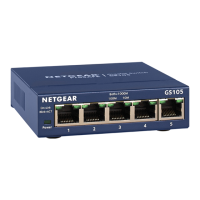
1. Connect network devices to the ports on the switch.
2. Connect an RJ-45 port on the switch to a network.
NOTE: In a small ofce or home ofce network, connect the switch to the
LAN port of a router that, in turn, is connected to a modem.
3. Power on the switch.



 To Next Page
 Loading...