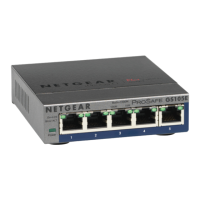
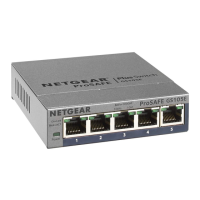
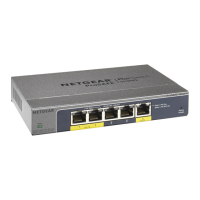
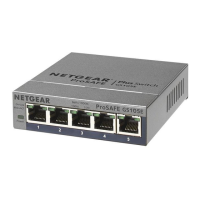
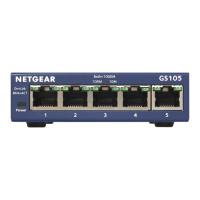
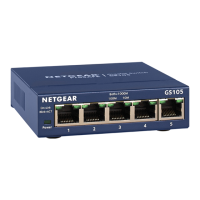
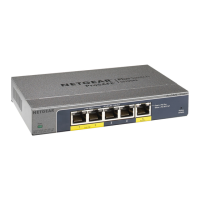
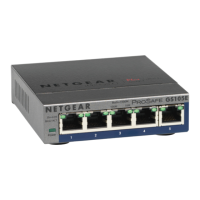
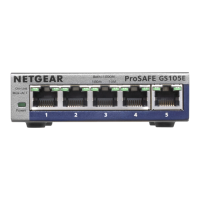
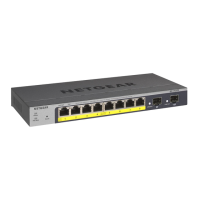
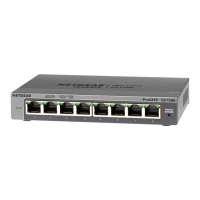
LED Description
Power LED
On. The switch is receiving power.
Off. The switch is not receiving power.
Ports 1–5
left LED
On.1 Gbps link on this port.
On. 100 Mbps or 10 Mbps link on this port.
Blinking. 1 Gbps activity on this port.
Blinking. 100 Mbps or 10 Mbps activity on this port.
Off. No link is detected on this port.
Ports 1–4
right LED
On. PoE is in use.
On. PoE fault.
Off. PoE is not in use on this port.
PoE Max LED The PoE Max LED indicates the status of the PoE budget on the
switch:
Off. Sufcient. More than 7W of PoE power is available.
On. Less than 7W of PoE power is available.
Blinking. At least once during the previous two minutes, less
than 7W of PoE power was available.
3. Connect to power and check the LEDs
When you connect the power adapter to the switch and plug the power cable
into an electrical outlet, the LEDs indicate the status.
The switch provides PoE+ or PoE power on ports 1–4 up to 30W PoE to each port.
Model GS105P provides a PoE power budget of 63W across all active PoE ports.
Model GS105PP provides a PoE power budget of 83W across all active PoE ports.
The following table describes the LED behavior.



 To Next Page
 Loading...