EasyManua.ls Logo

NETGEAR PS121 - User Manual

NETGEAR PS121
45 pages
Print Icon
To Next Page IconTo Next Page
Loading...
Version v1.0
February 2004
NETGEAR, Inc.
4500 Great America Parkway
Santa Clara, CA 95054 USA
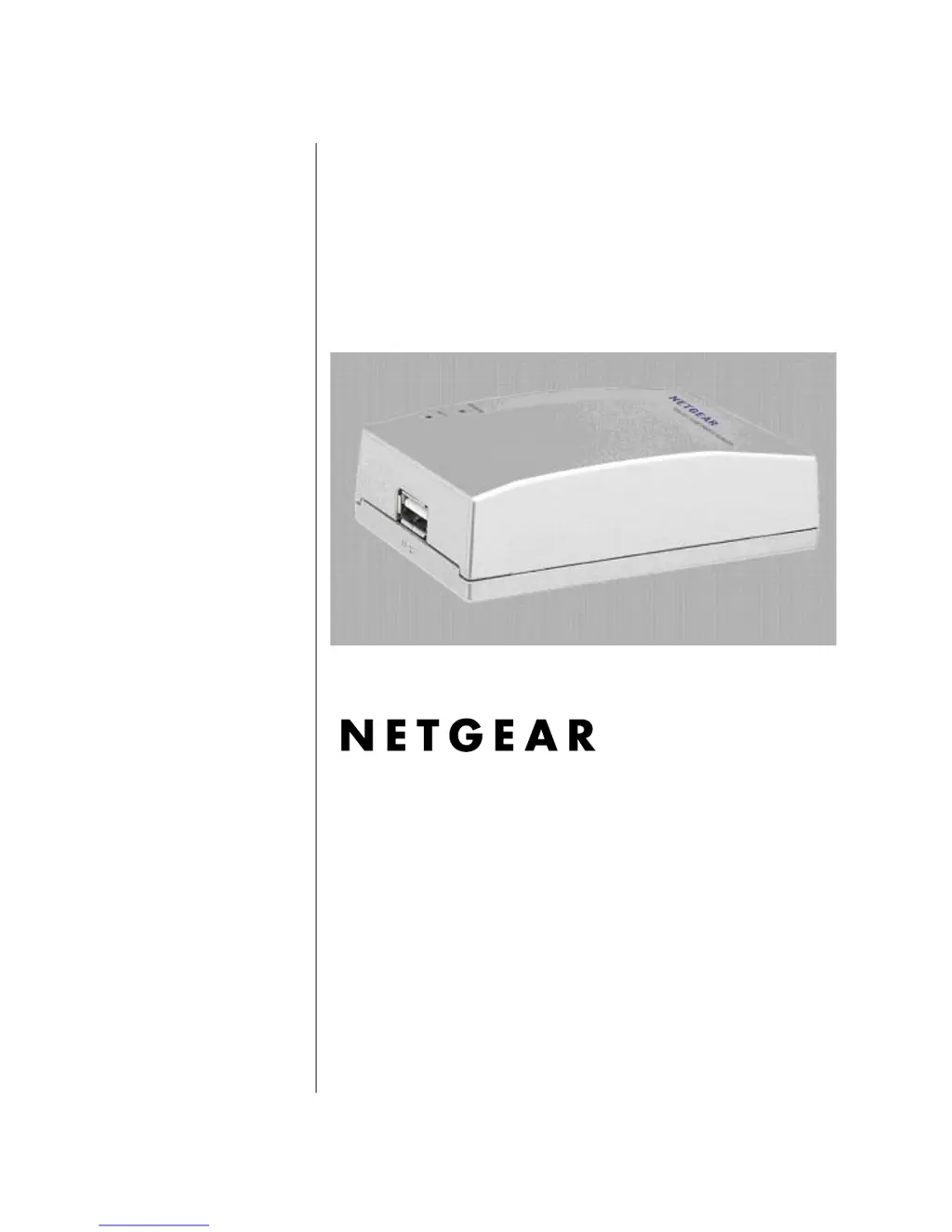
User Manual for the
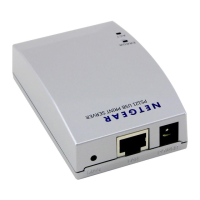
NETGEAR PS121 Mini Print
Server

Other manuals for NETGEAR PS121

Questions and Answers

  • M
    mitchellemilyAug 9, 2025
    How to fix NETGEAR Print Server IP address conflict with DHCP server?
    • K
      Kendra CampbellAug 9, 2025
      If your Mini Print Server gets an IP Address conflict while using a DHCP server, it could be because the mini print server was left on when the DHCP server was turned off. In this case, reset the mini print server to obtain a new IP Address. This issue can also occur if you assigned a static IP Address within the range used by the DHCP server; use another address NOT within the range used by the DHCP server.
  • R
    Rhonda GonzalezAug 14, 2025
    Why is nothing printing from my NETGEAR PS121 Print Server?
    • V
      Vanessa MendozaAug 14, 2025
      If nothing is printing, first try printing from another computer to determine if the issue lies with your computer configuration rather than the print server. You can also try turning the print server off and then on again to see if that resolves the issue. If the printer does not match the printer driver in the operating system, run the Add Printer Wizard. Also, try disabling the printer's bidirectional feature, if it is turned on.
  • P
    paul51Aug 25, 2025
    How to resolve 'garbage' characters printing from NETGEAR PS121?
    • H
      Heather SmithAug 25, 2025
      If your printer is printing 'garbage' characters, the printer may not match the printer driver in the operating system. To resolve this, run the Add Printer Wizard.
  • B
    brentandersonAug 29, 2025
    How to troubleshoot NETGEAR mini Print Server with no power?
    • J
      jason34Aug 29, 2025
      If the mini print server has no power, ensure the power cord is correctly connected to the mini print server and that the power adapter is connected to a functioning power outlet, verifying the power strip is on if applicable, or that it is not a switched outlet if plugged directly into the wall. Also, confirm that you are using the correct NETGEAR power adapter supplied with your mini print server.
  • Z
    Zachary LoweSep 3, 2025
    How to verify NETGEAR PS121 wrong network configuration?
    • J
      Jamie StewartSep 3, 2025
      To verify a wrong network configuration, check that the IP address for your mini print server and your workstation are correct and that the addresses are on the same subnet.
  • S
    Susan WallaceSep 10, 2025
    What to do if my NETGEAR PS121 Print Server is not found?
    • N
      Natalie MillsSep 12, 2025
      If the print server is not found, ensure you can access other locations from your computer to rule out computer or internet connectivity problems. If you are running a software firewall, try disabling it temporarily.

NETGEAR PS121 Specifications

General IconGeneral
Device TypePrint Server
BrandNETGEAR
ModelPS121
WirelessNo
Data Link ProtocolEthernet
Connectivity TechnologyWired
Data Transfer Rate100 Mbps
Form FactorExternal
InterfaceUSB
Network InterfaceEthernet
Supported ProtocolsTCP/IP
CompatibilityMac, Linux

Related product manuals