Programming Instructions 69
RNS
®
System User Manual
7. Confirm DETECTION is enabled or disabled, as desired.
Recommended Initial Detection Settings
Initially, in order to capture ECoGs containing activity that can be used to configure detection settings
specific to the patient, program initial detection settings on the D
ETECTION tab as follows:
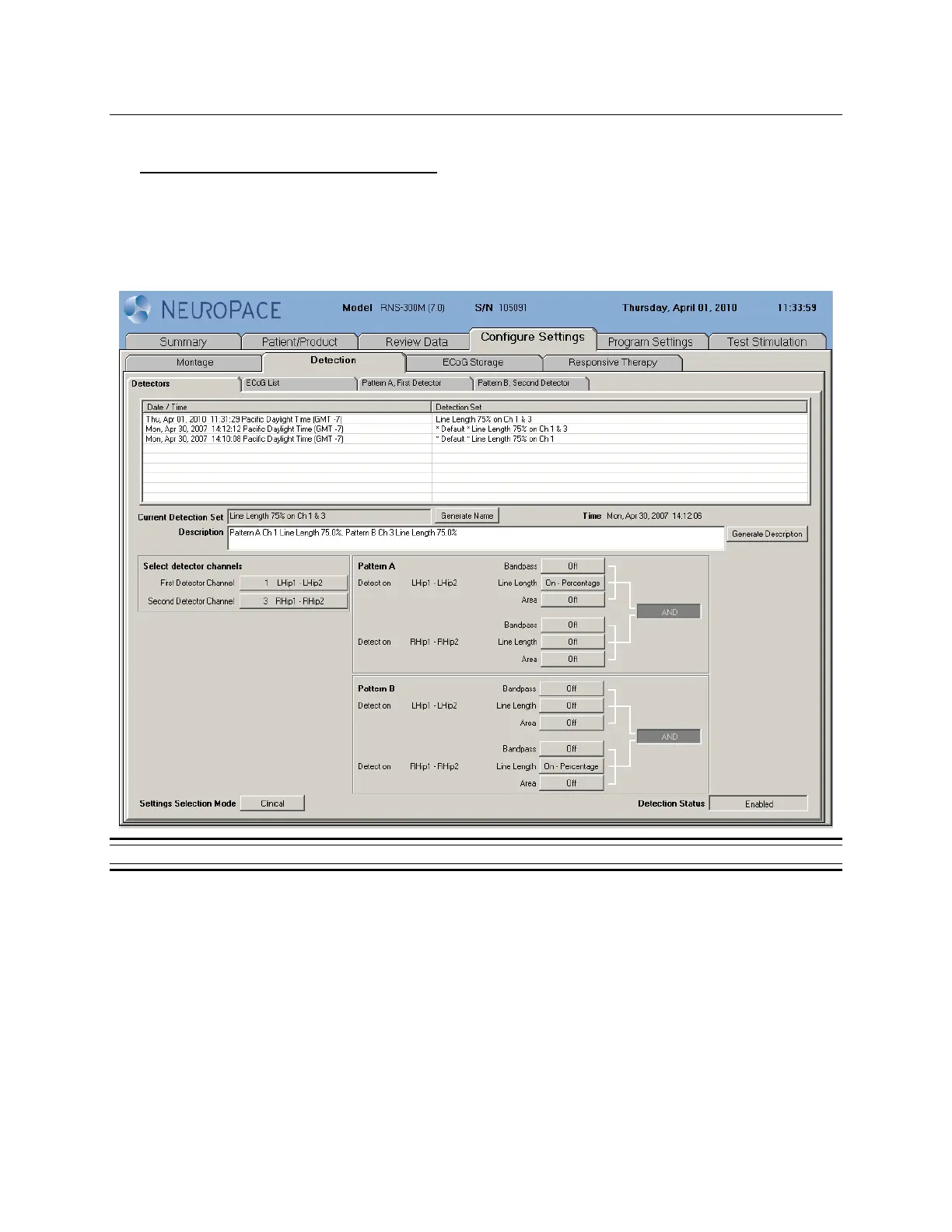
• Select *Default* Line Length 75% on Ch 1 & 3 (Click on the name)
• Set detection status to ENABLED
Figure 28: Detectors tab.



 To Next Page