11
OPTIONS
Many options are available for modifying the way the scoreboard system works. The questions the control will ask
and their order depends on the current system and settings. Pressing the OPTIONS key starts a scrolling report of
the current system settings. This report will continue to repeat until a key is pressed. To change a setting, press SET
OPTIONS and use the YES (confirm) and NO (cancel) keys to work your way through a series of questions that is
based on your system and available options. When all questions have been asked, the control returns to normal
operating mode.
Note: press a function key to abort the set options mode early.
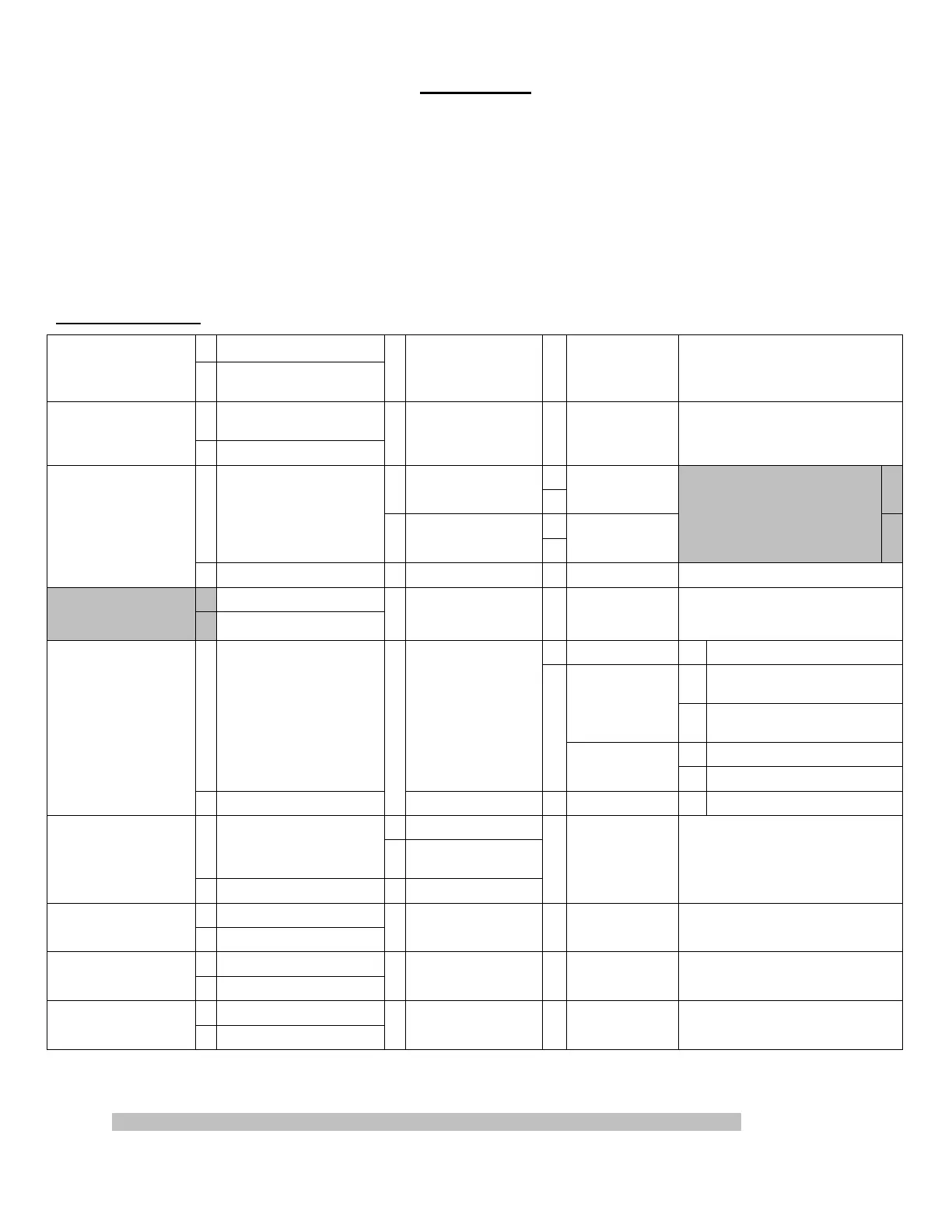
Set Options Chart
Y
Do You Have An
Auxiliary Time Display
Connected? (Question is
not always be asked)*
N
Next Available Question
Y
Changes rightness level of
Scoreboard
Switch to (Dim or
Bright)?
N
Next Available Question
Y
Y
Start and Stop with
Hand Held Switch?
N
SET HH:MM:SS Y
Y
Y
Aux Timer To Count Down?
N
Start and Stop with
Hand Held Switch?
N
SET MM:SS
Display Aux Timer on Auxiliary
Time Display? **
N
Use Aux Timer?
N
Next Available Question
Y
Display Chronometer on
Auxiliary Time Display
**
N
Next Available Question
Y
SET MM:SS
Y
Displays Segment Timer instead of
main time
Display Segment
Timer on
Scoreboard?
N
Displays Main time with Interval
Horn
Y Waits for time on
Y
SET MM:SS Another Segment?
N
Stop Time at Each
Segment?
N Runs continuously
Enable Segment Timer?
N
Next Available Question
Y
Y
SET MM:SS
Y
Do You Want Clock to Stop
at Specified Time?
N
Next Available
Question
Change Direction of Main
Clock?
N
Next Available Question
Y
Disable Auto Bonus?
N
Next Available Question
Y
Disable Tenth Sec?
N
Next Available Question
Y
Bookmark #?
Set a Bookmark?
N
Normal Operation Mode
* NOTE: This question is asked only once for each time the control is started fresh by entering a model code. It may
be asked from SET OPTIONS or from SET CHRONOMETER. The control needs to know this information in order
to know what other questions to ask and how certain data should be handled.
** Questions will be asked only if you indicated that you have an Auxiliary Time Display connected.



 To Next Page