88 Series Outboard / 8801 Issue 7.3
6 - Recall Software Installation
Neve Recall software allows settings from the 8801 to be stored on a PC or
Mac and recalled for later use.
Recall can be used for all the units in the 88 range including 8801, 8803,
8804 and 8816.
Multiple units can be stored and recalled together.
Please see the seperate Recall Manual for further details.
The Recall manual can be downloaded from the Neve web site.
Installation for PC
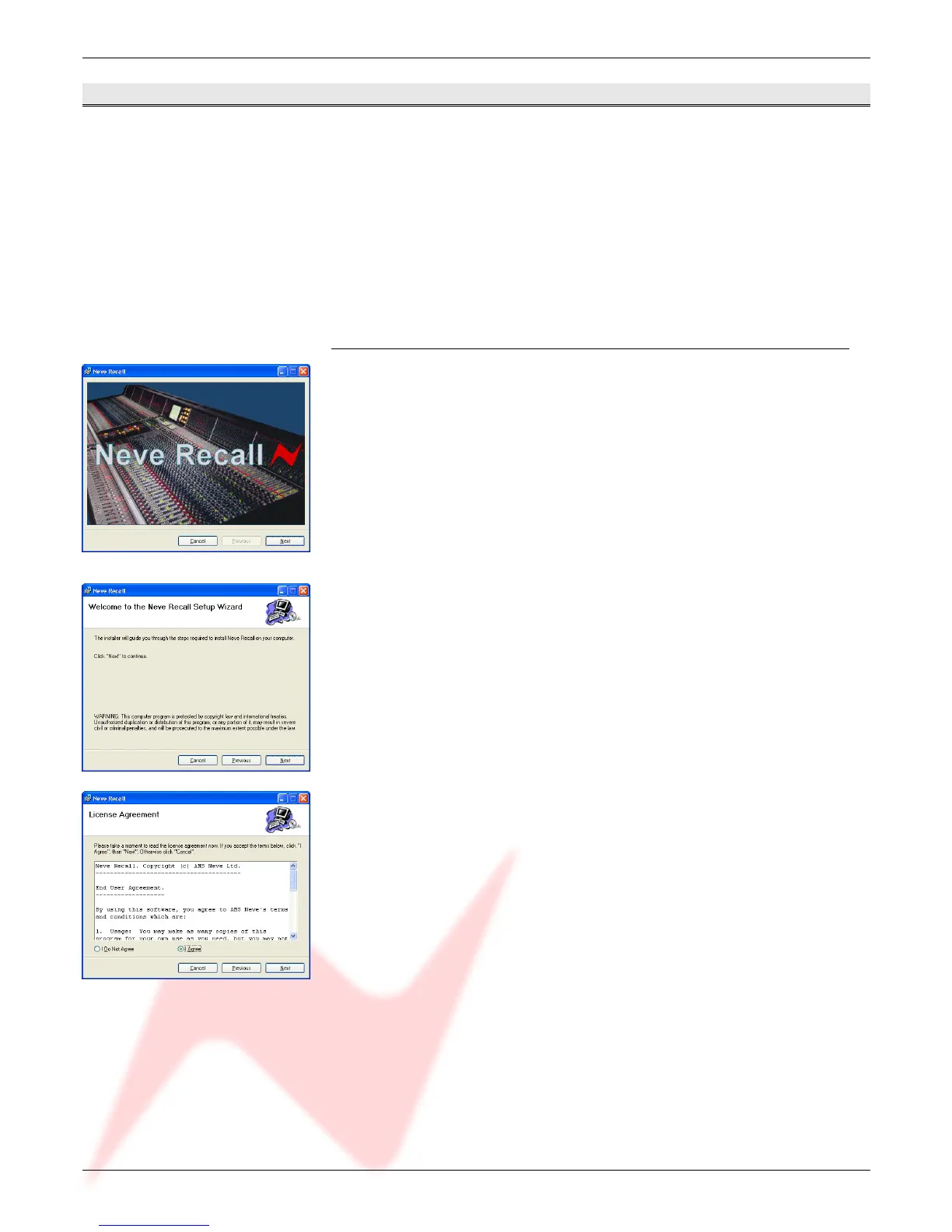
Insert the CD into the drive and the Set-up program should automatically
launch.
If the application fails to launch automatically on CD insertion, then go to the CD
Drive in Windows Explorer and double-click the NeveRecall.msi file or the
setup.exe file the file to launch the Setup program manually.
The Welcome screen will launch.
Click Next.
Click Next.
Click I Agree, then click Next.
If you click I Do Not Agree, the install procedure will terminate.
- 23 -


 To Next Page