88 Series Outboard / 8801 Issue 7.3
2 - Front Panel Controls
On/Off Switch
The Neve Logo Switch on the right hand side of the front panel switches the
unit on and off.
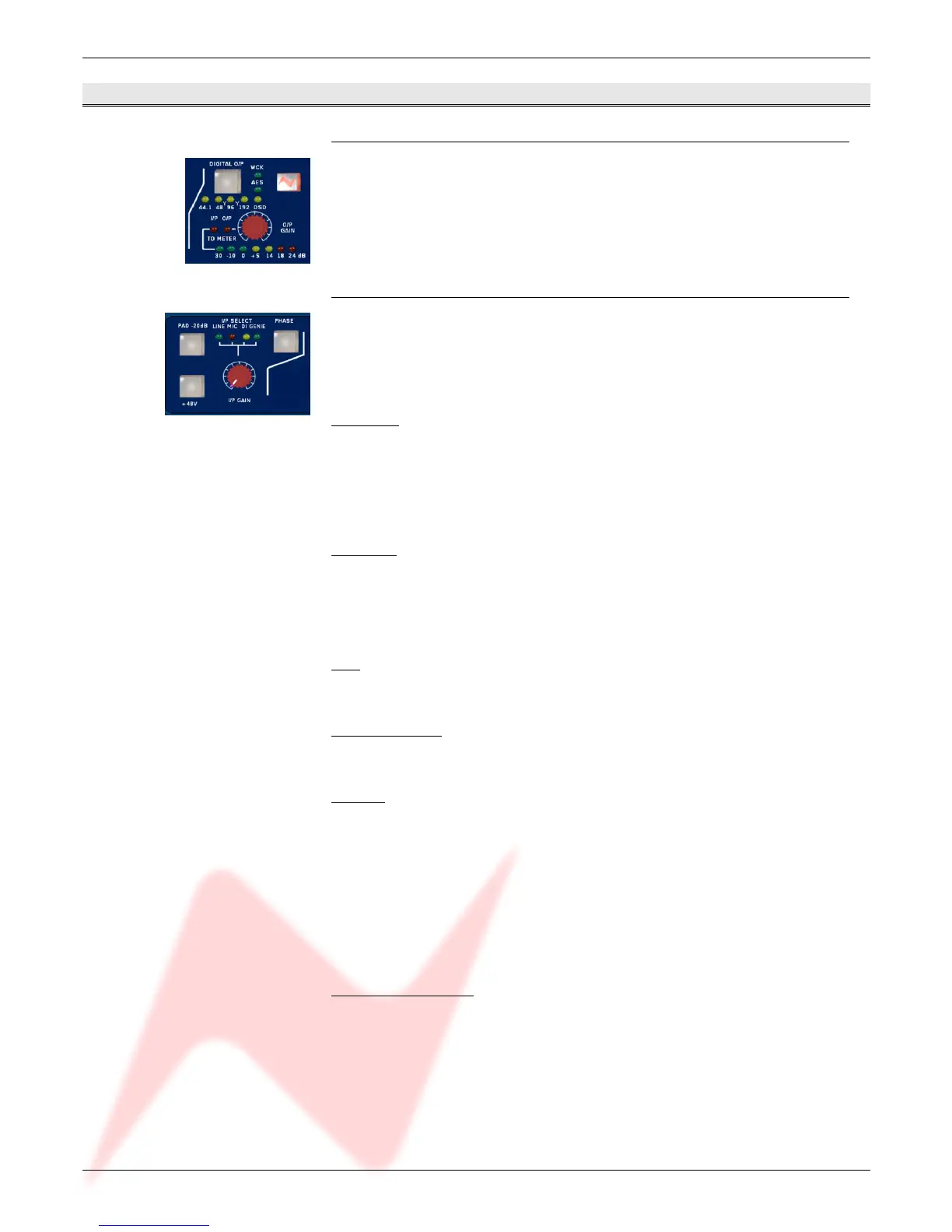
Input Section
On power up, the default input selection will be Line.
The input selected is shown by the LEDs above the gain knob and is selected
by pressing the I/P GAIN knob.
Line Input
The line input is accessible via the rear panel combo connector (¼’’ Jack or
XLR). It accommodates both balanced and unbalanced input signals.
The Gain is variable from -24dB to +24dB using the I/P Gain knob on the
front panel.
Mic Input
The mic input uses the female XLR input of the front panel combo connector
or the female XLR input on the rear panel.
Gain is variable from +20dB to +70dB using the I/P Gain knob.
PAD
The Pad button provides 20dB of attenuation on Mic and DI inputs.
Phantom Power
The +48V button enables phantom power on the Mic input.
DI Input
The DI input uses the ¼’’ jack input of the front panel combo connector or
the ¼’’ jack input on the rear panel.
The input uses a high impedance instrumentation amplifier (>750k), and
accommodates both balanced and unbalanced inputs.
Gain is variable from -24dB to +24dB using the I/P Gain knob.
When Pad is switched on the input impedance changes to 100k.
Digital (Genie) Input
The Digital (Genie) input is available via an optional daughter card.
The input is only selectable when this optional card is fitted.
- 7 -


 To Next Page