88 Series Outboard / 8801 Issue 7.3
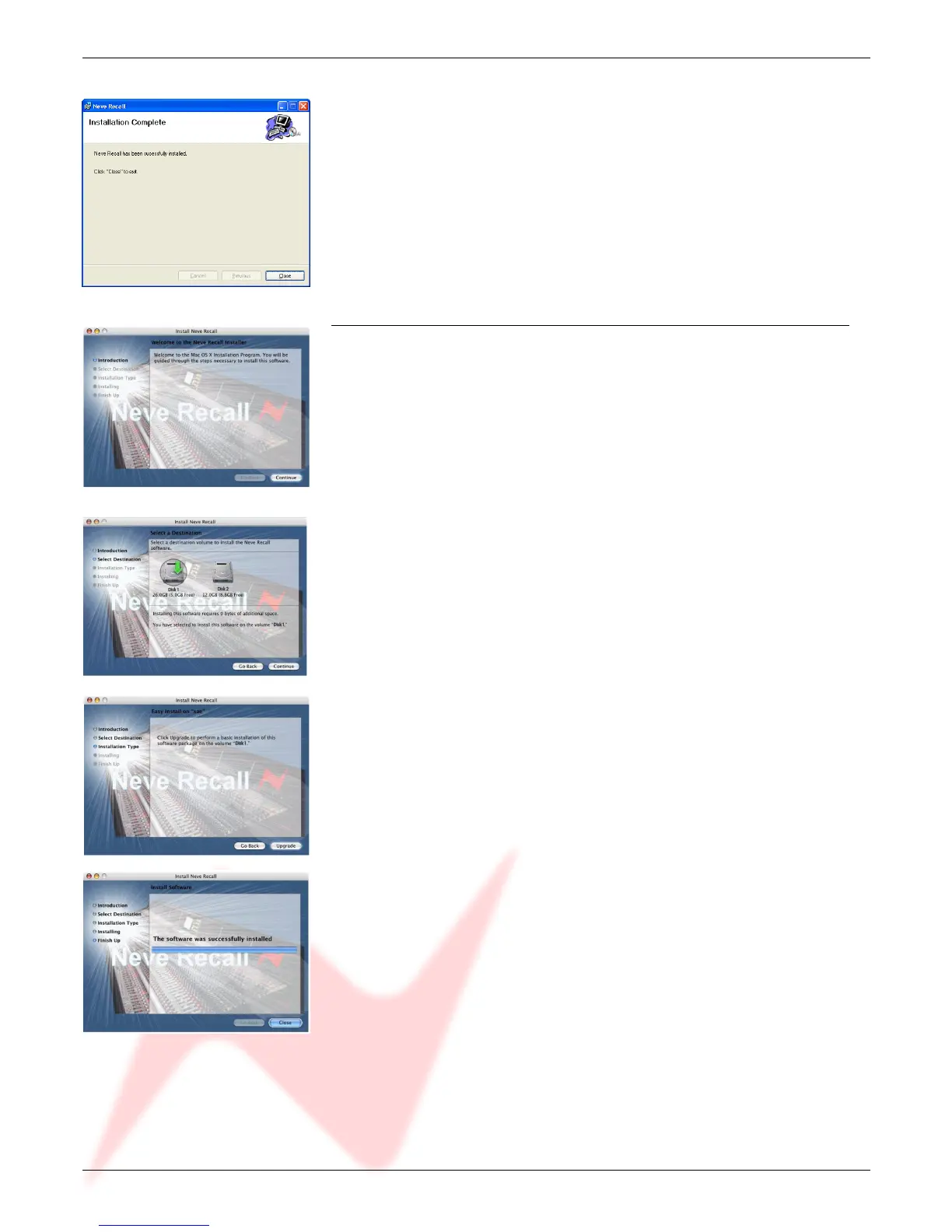
Once the install has successfully completed, click Close.
The software will now be ready to use, and will be accessible from Start
Menu / Programs / Neve Recall / Neve Recall, or from the Recall icon
on the Desktop.
Installation for Mac
Insert the CD containing the software into the Mac, and the install programme
will launch automatically.
Click Continue.
Select the location where you wish the software to be installed to.
Click Continue.
Click Upgrade, and the software will start to install.
The progress bar will show the state of the installation.
Once completed, click Close.
The software is now ready to use.
- 25 -


 To Next Page