
 Need help?
Do you have a question about the Newland NLS-HR200C and is the answer not in the manual?
Guides on connecting via USB/RS-232, power states, and removal.
Cleaning guidelines and physical measurements of the scanner.
Instructions on how to perform barcode scans.
Explains barcode, command, and QuickSet programming methods.
Details how to use barcodes for scanner setup and configuration.
How to configure serial communication parameters.
Settings for data speed and format (bits, parity, stop).
Explains HID-KBW and COM Port Emulation options.
Host identification and keyboard emulation setup.
 General
| Image Sensor | CMOS |
|---|---|
| Scan Rate | 300 scans per second |
| Interfaces Supported | USB, RS-232 |
| Humidity | 5% to 95% (non-condensing) |
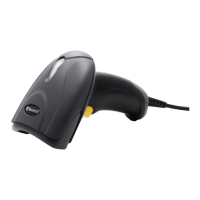
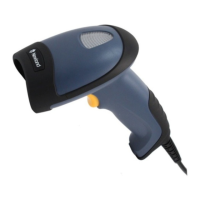
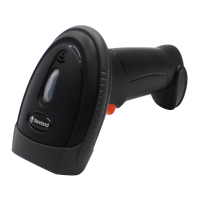
| Type | Handheld Barcode Reader |
| Light Source | LED |
| Decode Capability | 1D, 2D barcodes |
| Storage Temperature | -40°C to 70°C |
| Drop | 1.5 m |
| ESD Protection | ±8 kV contact discharge, ±15 kV air discharge |


 To Next Page