EUM/OPS/MAN/14/780549
v1F e-signed, 25 July 2017
Newtec MDM6000 DVB-S2 Receiver EUMETCast Setup Guide
Page 5 of 20
1 INTRODUCTION
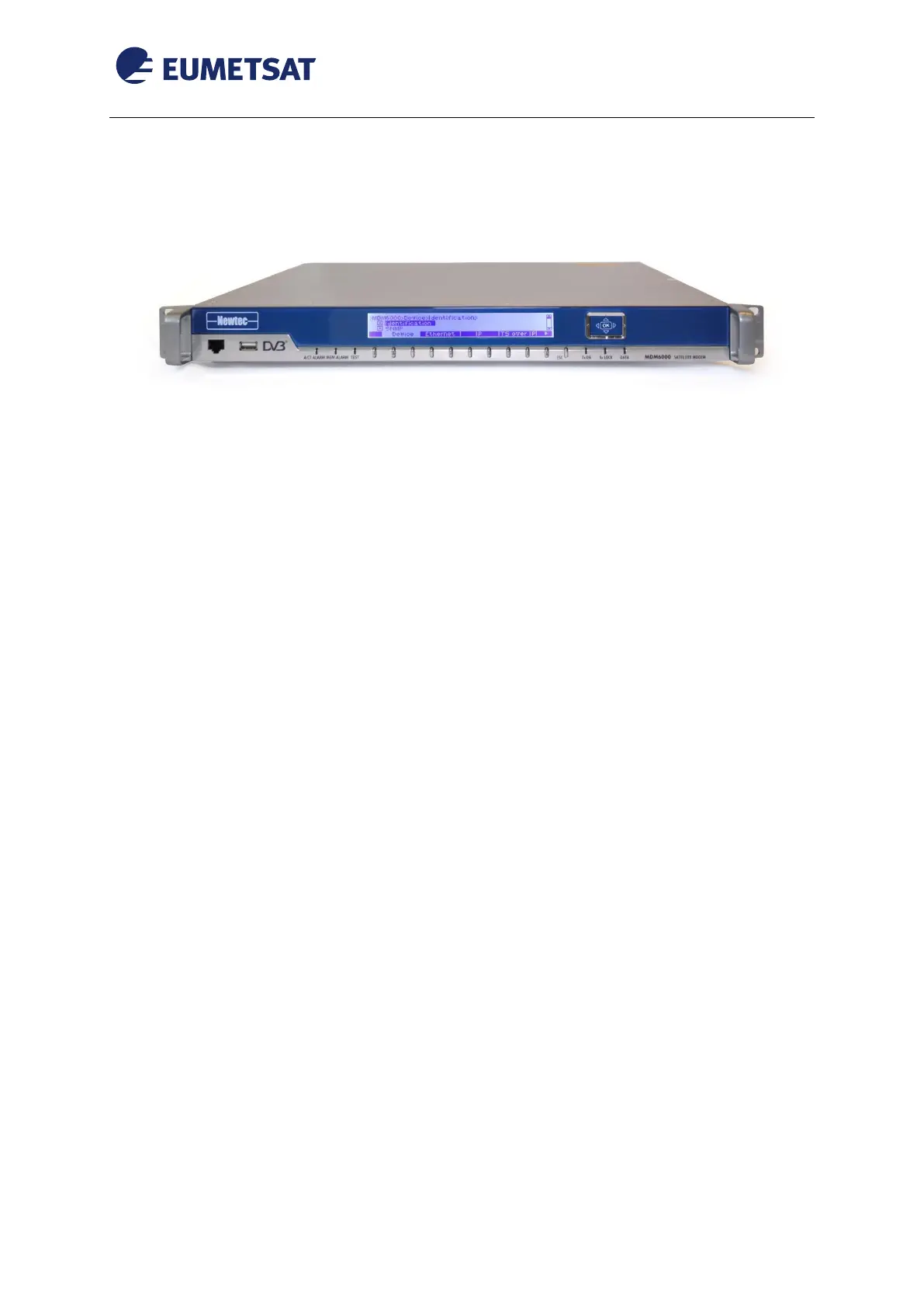
Figure 1 MDM6000 front Panel
The purpose of this manual is to guide a user through the minimum necessary steps to allow
the reception of EUMETCast data (DVB) on the Newtec MDM6000 IP satellite receiver.
Please refer also to Newtec’s “User Manual for MDM6000 IP Receiver” for more details,
it is provided in a CD copy with the receiver.
2 PREREQUISITES
Before performing the configuration please ensure the following steps have been addressed:
A PC with 10/100/1000 base-T Ethernet LAN port is available for configuring
the receiver;
Internet explorer 7 and higher or Firefox 3 and higher or other compatible browser
like Google Chrome, Safari...
Administrator or Root access to the reception host system is available;
The EUMETCast antenna pointing has been performed correctly to
EUTELSAT10A for DVB-S2 reception. (The antenna pointing and LNB quality
is crucial);
An EKU has been obtained from the EUMETSAT user help desk;
The reception host has the latest EUMETCast reception software installed;
The NTC/2353 Receiver software version 2.2.5 or later installed on MDM6000.



 To Next Page