77
A KEYSTROKE SHORTCUTS
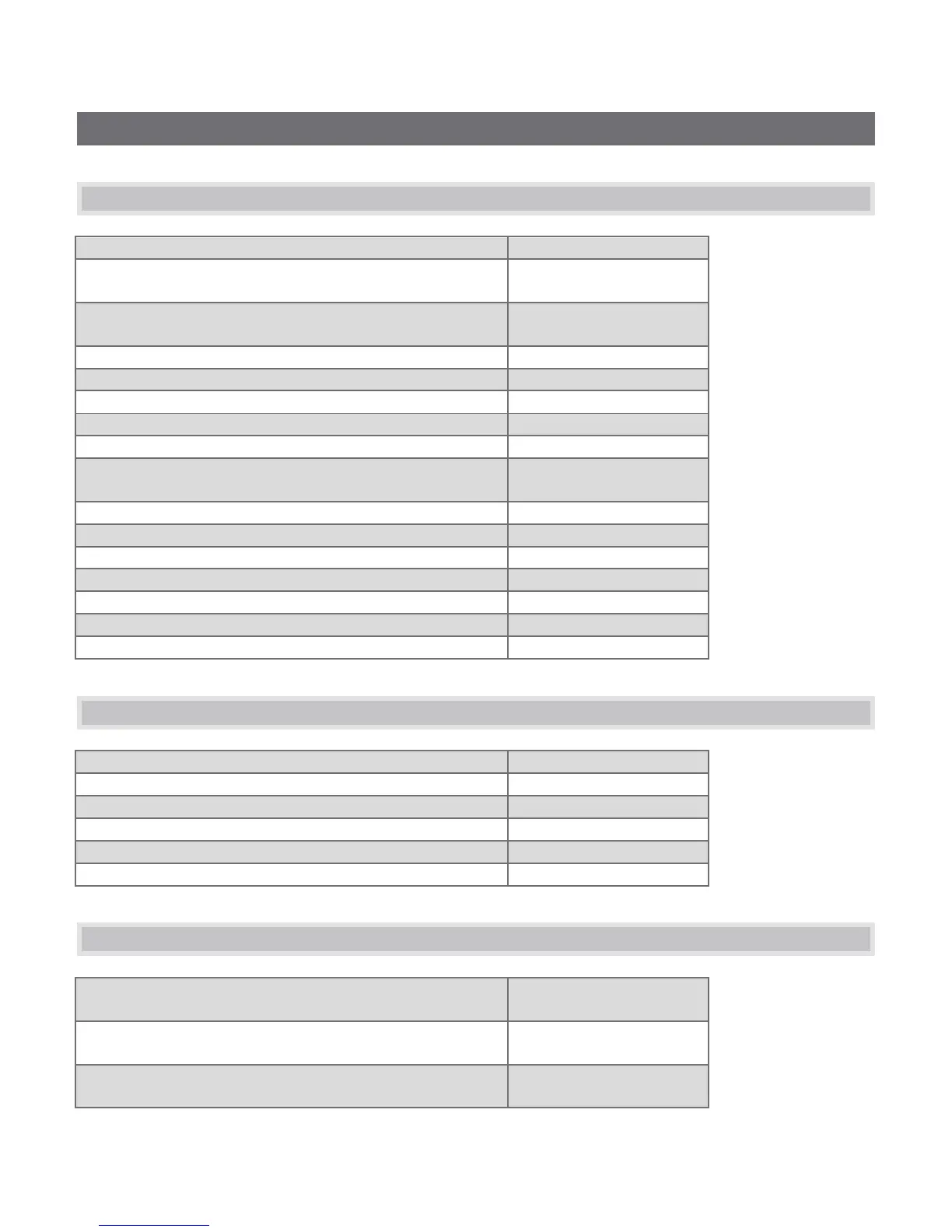
A.1 SWITCHER…
FX Row, Inputs 1 to Input 9
Program Row, Inputs 1 to Input 14
F1 – F12 plus [Shift + F1-
F2]
Preview Row, Inputs 1 to Input 14
1 – 0, -, =,
and [Shift + 1-2]
Transition Overlay 1 On/Off
Transition Overlay 2 On/Off
Select Transition (prev/next)
, and . (comma and
period)
Transition – Slow … Medium … Fast
Transition – Increase Speed
Transition – Decrease Speed
Toggle Reverse Transition On/Off
Ping Pong Transition (off/on)
A.2 T-BAR
t / Shift + t (faster add Alt)
A.3 VIRTUAL INPUTS
Activate Zoom Preset 1 for Virtual Input selected on
Program
Activate Zoom Preset 2 for Virtual Input selected on
Program
Activate Zoom Preset 3 for Virtual Input selected on
Program



 To Next Page