43
The duration for the animated zoom is controlled by a menu beside the Animate Zoom switch. This works just
like the similar Duration menu buttons in the Switcher’s Transitions section, providing instant access to three
preset durations. Alternatively, click and drag in the neighboring numeric field to set a custom duration – or
click the field once more to enter a value directly using the keyboard. The maximum duration for an animated
zoom is 120 seconds.
Hint: LiveSets each ‘zoom in’ on a predetermined target. A given group of LiveSets may offer variations on the
basic set that allow you to zoom in on an actor at center stage, or a ‘virtual monitor’ situated on a desk beside
the talent, or something else entirely. You will find many creative uses for the different versions of the LiveSet.
3.9 AUDIO CONTROL
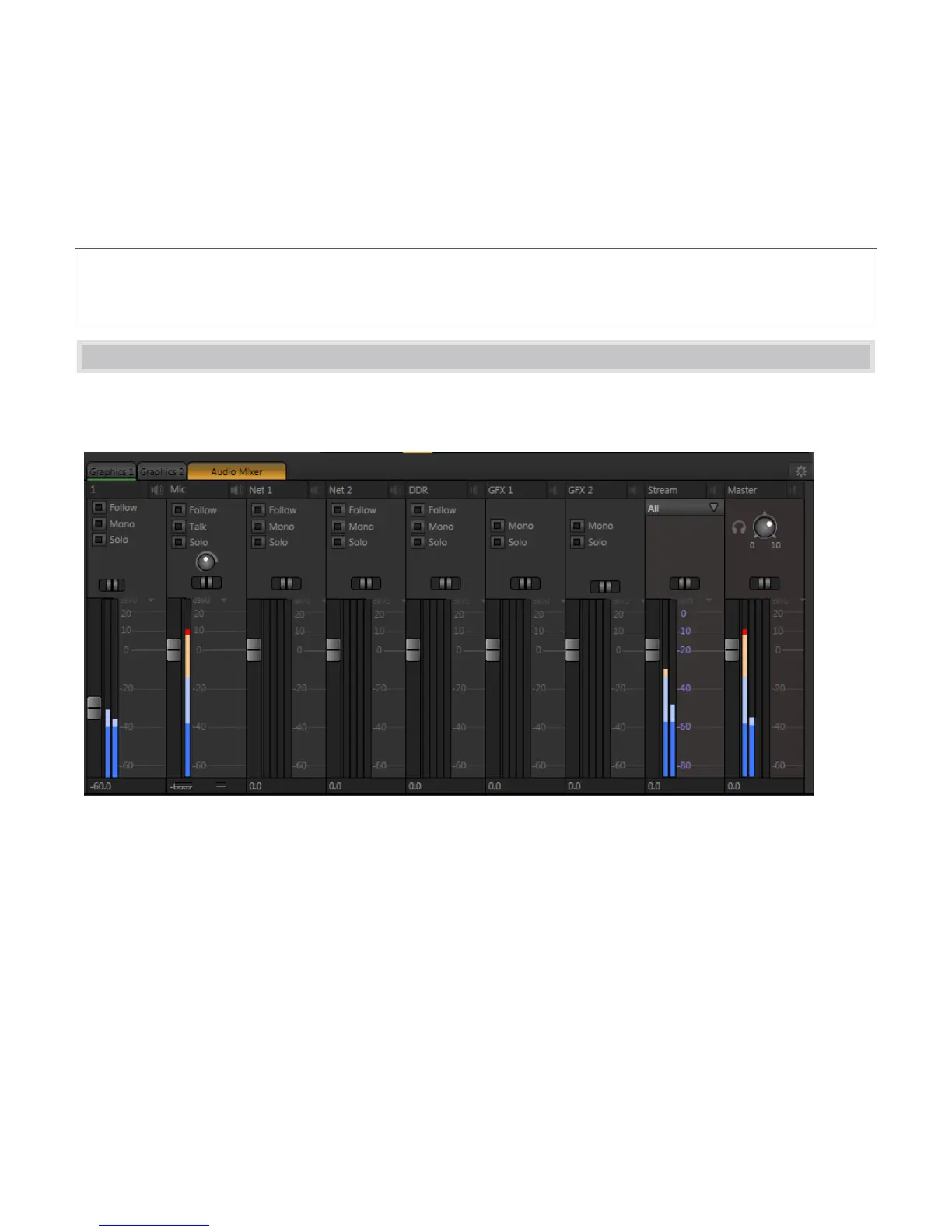
The Audio Mixer tab (Figure 70) is home to all of the controls required to manage both audio input and output.
Controls are for each individual audio input, source, or output stream, whether external or internal.
Figure 70
External audio connections and configuration were discussed back in Section 2.3.2. These sources include
controls for the two analog audio inputs (Input 1 and Mic) along with controls for both Network inputs (such as
an Apple AirPlay® source).
Besides external audio sources, sounds played from TriCaster’s internal storage volumes (including removable
media such as external hard drives or ‘thumb’ drives) via the Media Players can be added to the output mix.
Separate sub-panels are provided to control audio added to TriCaster’s Program Output mix by the DDR and GFX
players.



 To Next Page