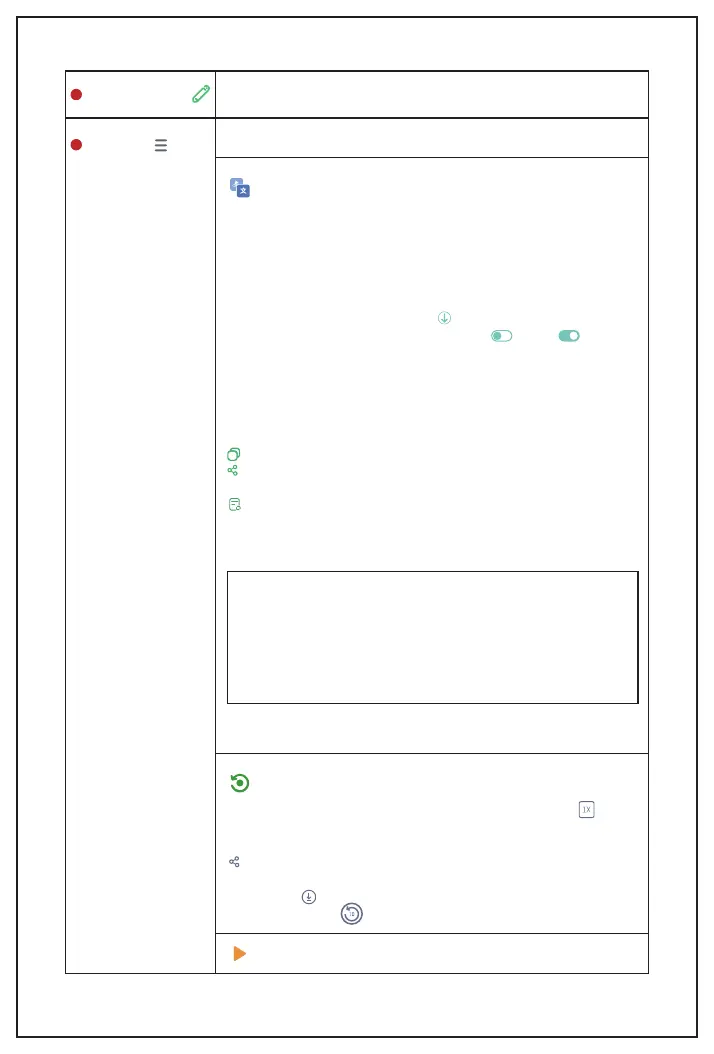
Hit this icon. You can see the pen's information.
Pen info panel
Note:
1. We use Myscript to recognize handwritten languages. If
you can not use this feature, it might be because we have
run out the limits. Please get in touch with us when you
encounter such a problem.
2. To ensure the recognition accuracy, please write neatly as
possible.
Here, you can see more page settings.
It's a place to transcribe your handwriting to digital text.
The default language is set as English (USA). If you need to
change to another language, you need to tap English (USA) on
the top right and then click More languages, then you will see
the language list.
There're 66 supported recognition languages.
Find your language, then click to download the language,
after downloading, turn it on by tapping to be .
You can also delete the language you don't need by tapping
Delete on the top right corner.
Please note that if you download several languages, the primary
recognized language will be the one you used the last time. If it's
not the language you wrote, please choose it manually on the
menu.
Copy Copy the text and paste it to other places.
Share You can save your notes to TXT or DOC file and share it
to other platforms. Or click More to send the text to other places.
Capture area to transcribe Tap it, and you can capture a
specific area instead of transcribing the whole page.
Settings
Recording
It will display your writing process as a video, click the on the
bottom right, it will change the play speed. It has 2 times and 4
times speed.
Share You can share this video to the listed social media
channel or click More to share it to other apps on your phone.
You can hit to save the whole playback process as a video to
your album or hit to save it as a 10 seconds video.
Recognize
Playback
8
11
10


 To Next Page