Note:
All these icon will work in online mode, not offline mode.
Note:
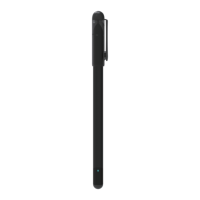
Please insert the Plastic Cartridge to the pen, then write on the LCD screen.
Work With LCD Pad
We have multiple packages of the SyncPen set, if the one you purchased has a LCD Pad,
please read this instructions.
To synchronize the writing, please note that you have to use SyncPen to write on the
screen.
1. Battery: Coin battery. One battery can last 4-6 months, when it's used up, you can still
write on the screen, but you can't erase it, so please replace the battery when it's dried up.
2. Delete button: Click it, the written content will be erased.
3. Lock button: When it's on, the delete button won't work, which means the screen can't
be deleted. When it's off, you can erase the screen by hitting the delete button.
On the app, click the on the bottom to switch to the LCD pad interface. The settings of
the LCD pages is the same as the Notebook Interface, please refer to Work with Notebooks
& Work with Pages instructions.
Note:
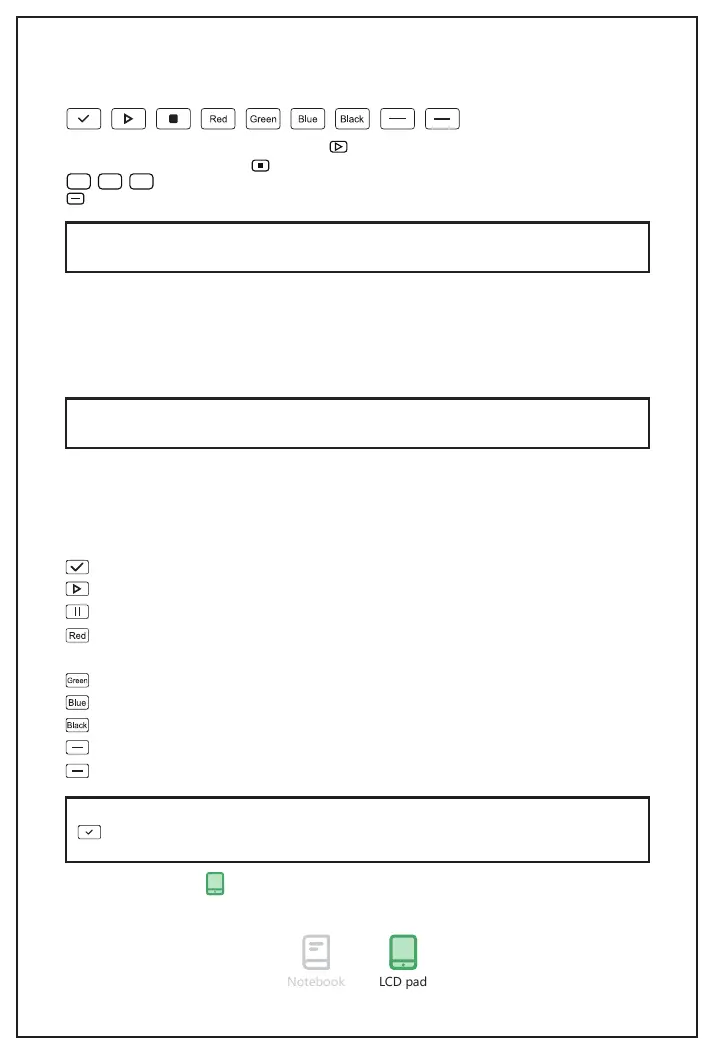
can work on both online and offline mode, other icons would only work when the
pen is connected to the APP (online mode).
Save the note and generate a new page.
Start to record the voice. (You should use your phone to record voice)
Stop recording.
Switch the writing color to red. (You can see the color change on the app. The writing
on the LCD pad screen only has 1 writing color.)
Switch the writing color to green.
Switch the writing color to blue.
Switch the writing color to black.
Switch to thin writing thickess.
Switch to think writing thickess.
11
Work with Paper
You can record the voice by tapping the with the SyncPen, then the mobile will record
the voice to this note. Press with the pen to stop recording.
Using the pen top to tap one of these icons, the writing color will change.
Using the pen top to tap one of these icons, the writing thickness will change.
Green
Blue Black


 To Next Page