Note:
Since the Android system involves various mobile brands and models, if our applica-
tion doesn’t work with your phone, please get in touch with newyes@newyes.com, we
will do our best to make things back to the right way.
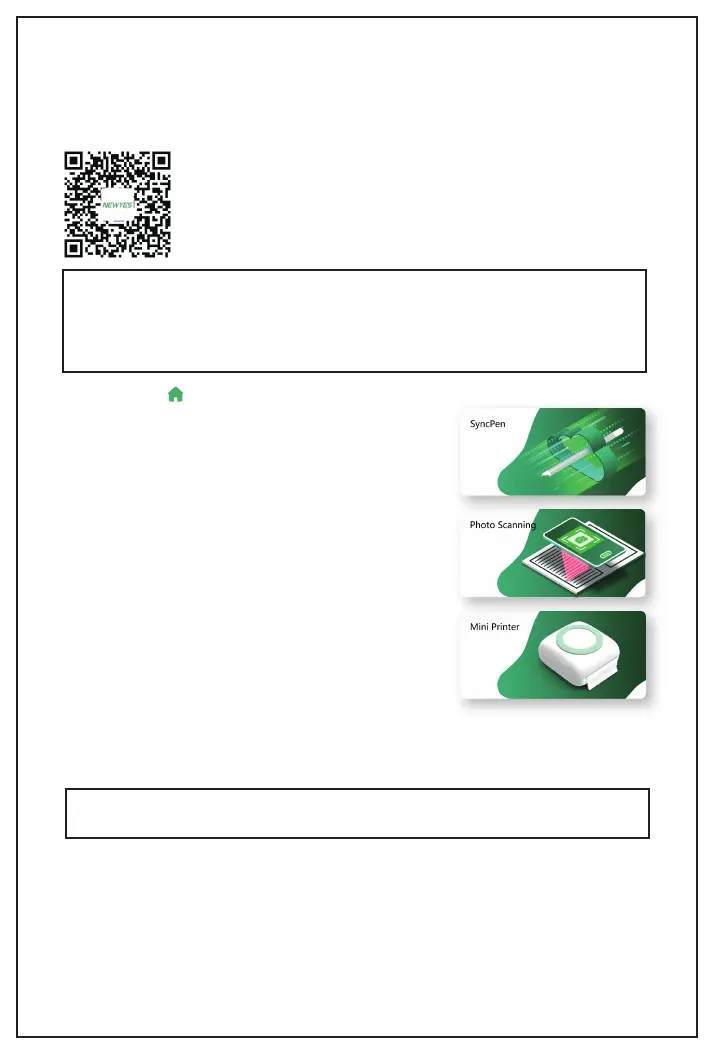
• Download the NEWYES NOTE App
The NEWYES NOTE app is available for free on iOS and Android. Get started by download-
ing the app from the App Store and Google Play. Or you can scan the QR code to download
it directly.
Minimum Requirements
iOS 9.0 Android 5.0
• Home Page
1. SyncPen:
This is for the SyncPen smartpen.
2. Photo Scanning:
This is for our other product - Smart
Reusable Notebook.
3. Mini Printer:
For our another series of products,
and this is still under construction.
2. Tap the symbol of the "SyncPen" section.
3. Go ahead to register an account.
4. Open the cap to turn on the SyncPen, and the LED blinks blue to indicate it's in pairing
mode.
5. Select the correct SyncPen from the list according to the MAC number, then click
"connect."
6. After connecting, you can start to use your SyncPen.
The first time you use your SyncPen, you must pair it with your device.
1. On your mobile, make sure Bluetooth is on.
• Pairing For The First Time
Note:
For Android users, our App needs location permissions to work with Bluetooth.
3


 To Next Page