CAMERA - PARTS & CONTROLS (CONTD.)CAMERA - PARTS & CONTROLS (CONTD.)
Continued from previous page.
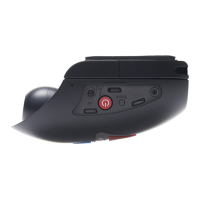
8. Dual colour LED indicator
Red = power on
Red flashing = recording
Blue = battery charging
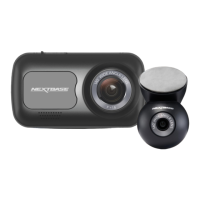
9. Screen
2.7' LCD colour screen for the viewing of recorded files on the iN-CAR CAM.
10. Mode / Screen Capture button
Mode:
Press to change between video, photo or playback modes.
Screen capture:
Whilst recording press to save a screen capture of the current frame.
11. Record / OK button
Record:
Press to start or stop a recording when in video mode, or take a photo when in photo mode.
OK:
Press to confirm selection when in menus.
12. Menu button
Press to open the menu within current mode, press twice to open the general settings.
4
8
12
10
11
7
5
9
6
11



 To Next Page