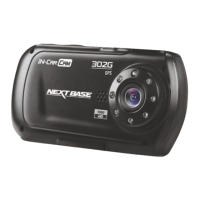
Need help?
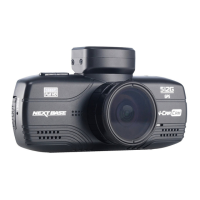
Do you have a question about the NextBase 512G Ultra and is the answer not in the manual?
Instructions for attaching the iN-CAR CAM to the windscreen using the supplied mount and ensuring secure fitting.
Guidance on connecting the car adaptor to the iN-CAR CAM and the vehicle's power outlet.
Advice on optimal placement, avoiding driver obstruction, airbags, and safe driving practices.
Guide on adding recorded files, navigating the interface, and viewing journey data, speed, and G Sensor information on Mac.
 General
| GPS | Yes |
|---|---|
| Viewing Angle | 140 degrees |
| Storage | Micro SD card up to 128GB |
| Wi-Fi | Yes |
| Bluetooth | Yes |
| Emergency Recording | Yes |

 To Next Page