Dash Cam setup
Installation
10
1
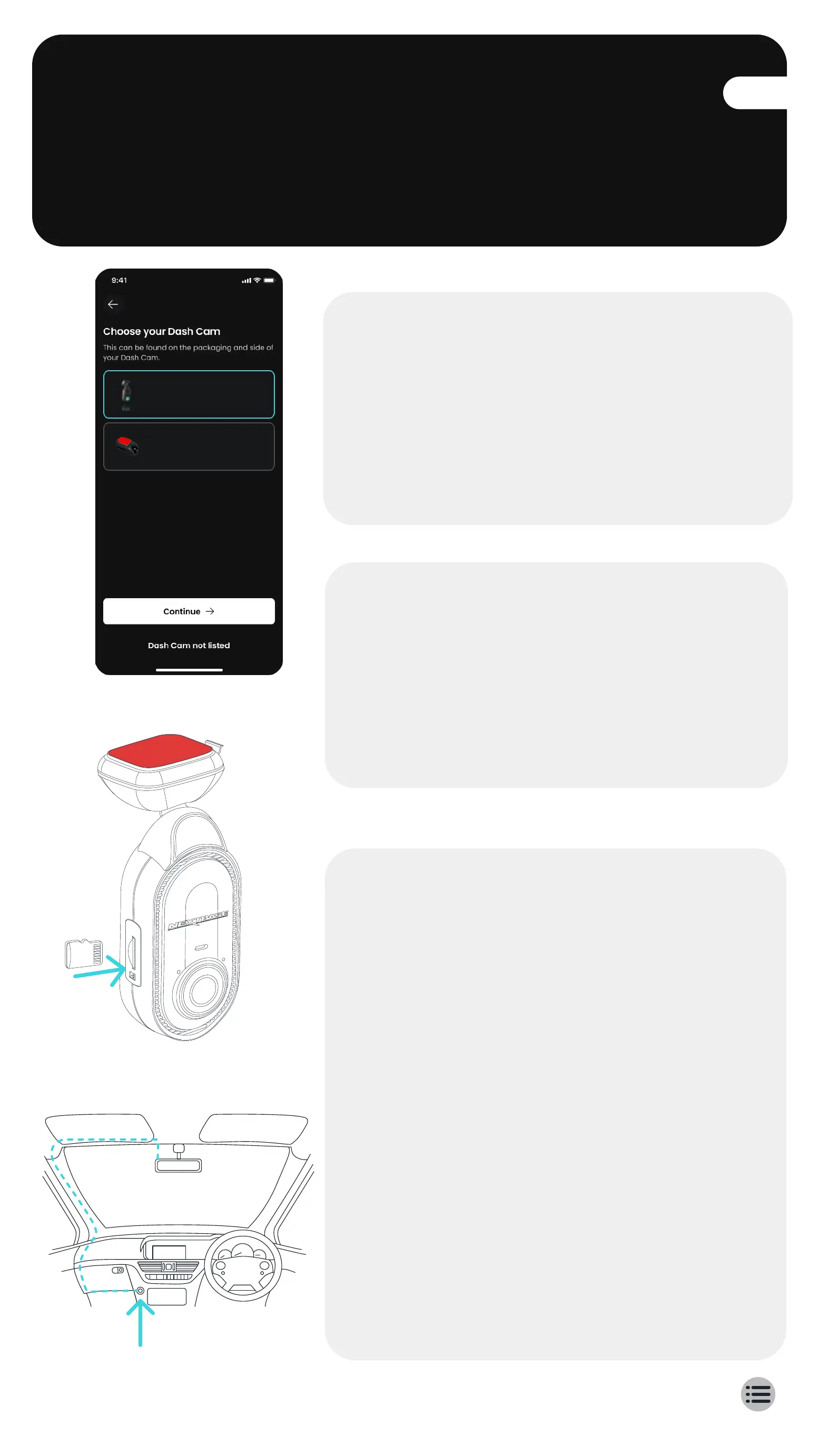
Follow the In-App
setup instructions
Upon opening the Nextbase App,
create an account and select Piqo.
These steps are also listed in this
installation guide.
Nextbase Piqo
Nextbase 385
2
Insert SD card
Insert the SD card into the slot. Ensure
the SD card is inserted the correct way
matching the orientation shown.
For best performance, we recommend
using a Nextbase SD card.
12-24Vdc
The above diagram is for illustration purposes only.
3
Power your Piqo
Plug the angled end of your power
cable into your Piqo. Plug the other
end of your power cable into the
dual type-C 12V adapter.
Don't mount your Piqo yet.
Turn on your vehicles ignition to
power Piqo. You should see a blue
light on your Piqo when the power is
connected.
If your Piqo does not turn on, ensure
all of the power cables are correctly
connected.



 To Next Page