11
Dash Cam setup
Installation
4
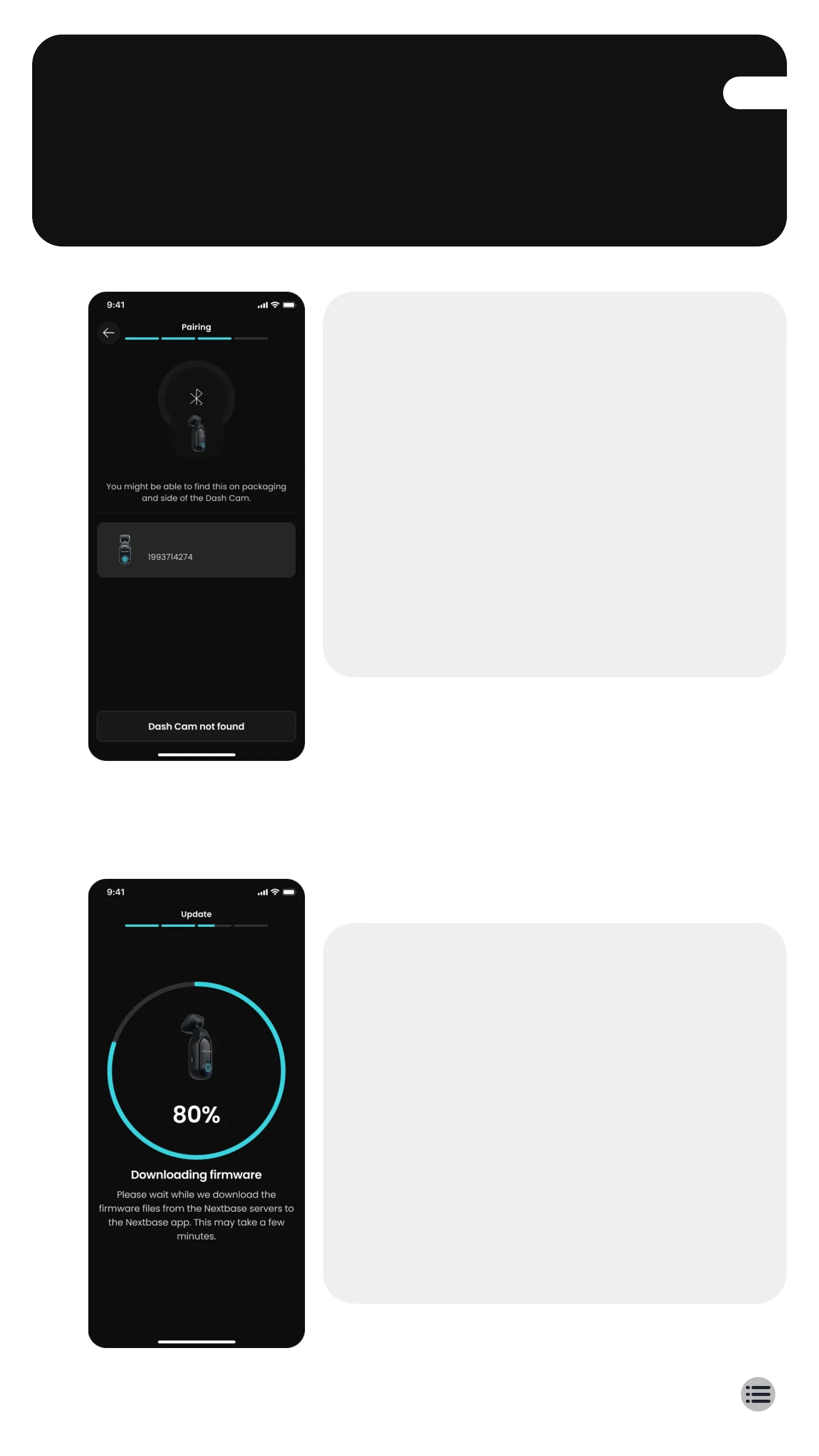
Pair Piqo to the Nextbase App
Ensure you allow all the required
permissions in the Nextbase App. This
ensures that your Piqo and the
Nextbase App will work as expected.
Put your Piqo into pairing mode by
holding down the power button for 5
seconds. Your Piqo will pulse blue
when pairing mode is activated and
the device is discoverable.
5
Update your Piqo firmware
Once you’ve paired your Piqo and the
Nextbase App, check for available
firmware updates. Firmware updates
bring the latest features to Piqo so its
important to stay up to date.
We'll create a high speed Wi-Fi
connection between Piqo and your
mobile device in order to update the
Piqo firmware.
Searching for Piqo
Nextbase Piqo



 To Next Page