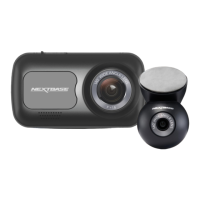
Dash Cam setup
Installation
7
Mount your Piqo
With Piqo connected to the app you'll
be able to see the Dash Cams Live
View. Use this to help find the best
place to position your Piqo.
Once you’re happy with the
placement of your Piqo, remove the
3M adhesive backing.
Firmly press the adhesive pad to the
clean area of the windscreen. Press
for up to 30 seconds to ensure a
strong bond between the pad and
windscreen.
Make any final adjustments using
live view in the app.
Piqo must NOT obstruct the driver's line of
sight. Mount outside sight-lines to the road,
highway signs, and signals.
13



 To Next Page