18
nextel.com
2
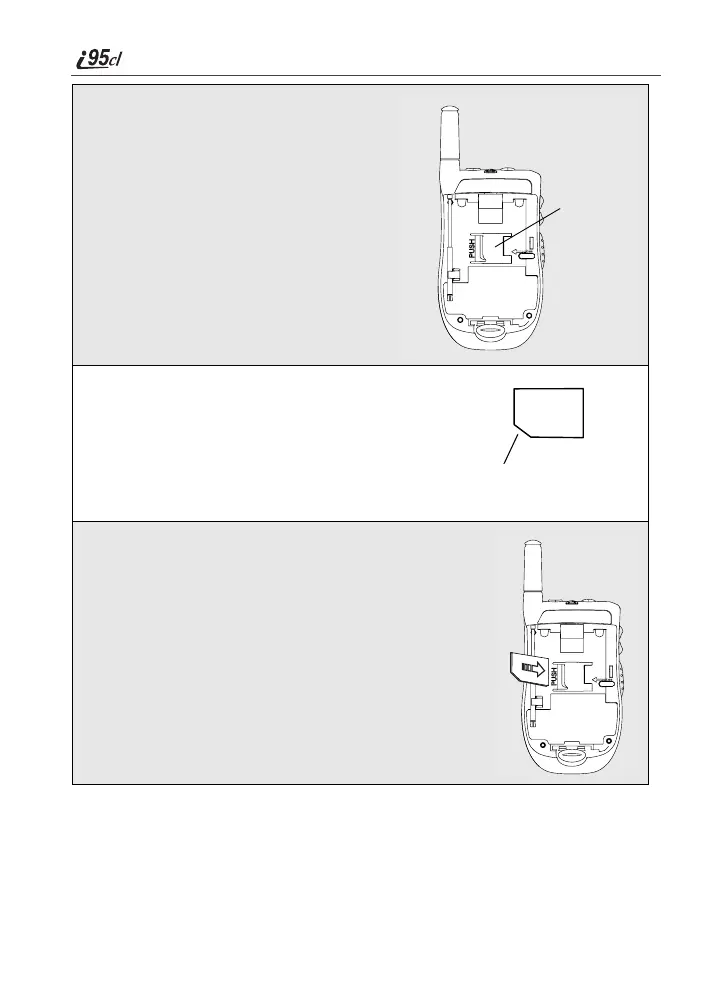
With the external display facing away
from you and the back of the phone
exposed and facing up, locate the
SIM card holder.
3
Hold the SIM card with the gold contact
side facing down and the cut corner in the
lower left. Do not touch the gold-colored
areas of the SIM card.
4
Carefully slide the SIM card to the right and into
the phone, until it lies flat in the SIM card holder.
SIM card
holder
cut corner



 To Next Page