reference. If you know the frequency, search the desired waypoint by frequency (located
below the waypoint name on the left lines), otherwise use the method described before.
Enter the second waypoint, the third, and so on until you reached the last waypoint before
the airport, just like described on the first step.
Now, let’s pause here for a moment. This is a challenge not only for us, but for you too. When
we made this route, two of the route waypoints were not available on the FS GPS database,
something self-described here:
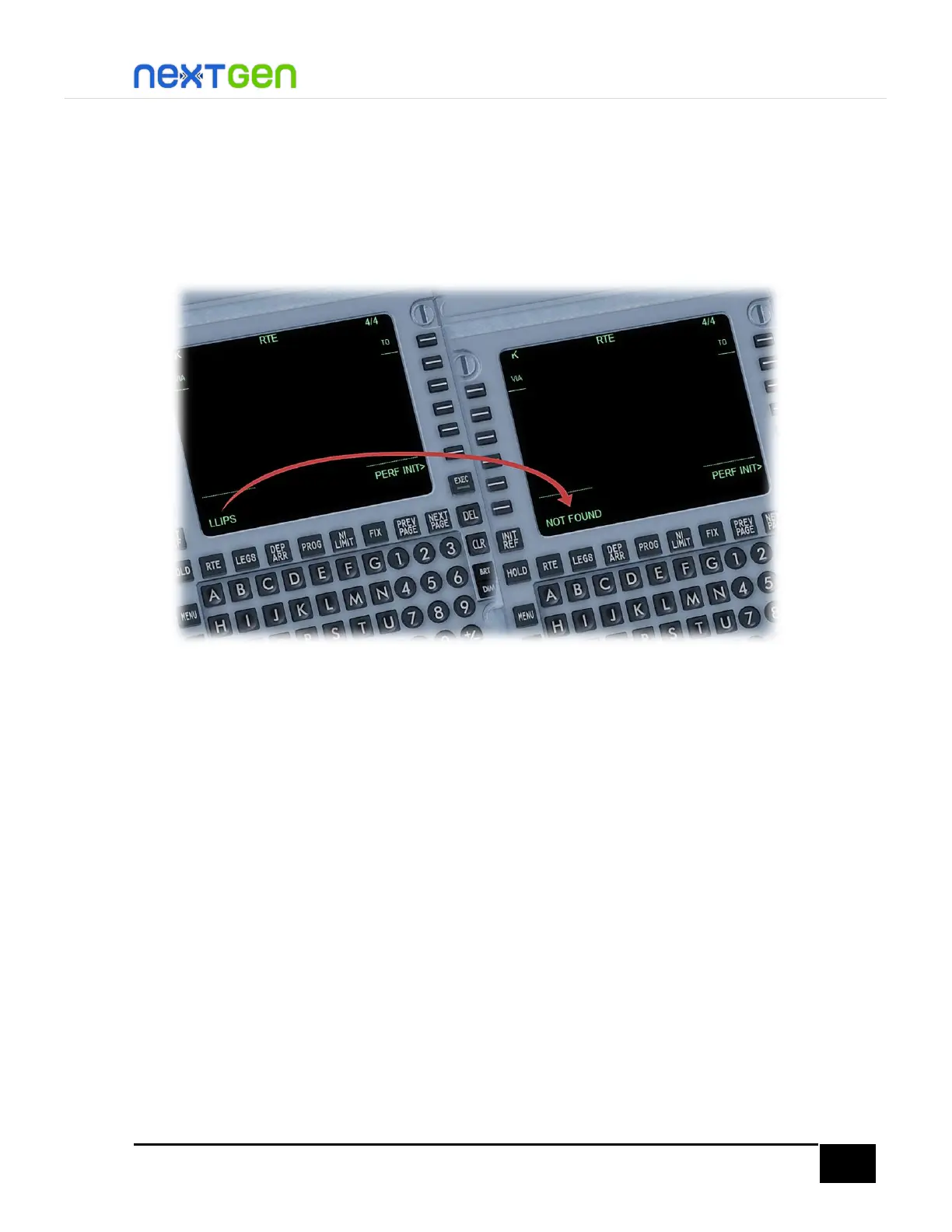
Let’s see what happened: let’s assume you are inserting a waypoint you typed on the
scratchpad, and suddenly after line selecting where the dashes are, a “NOT FOUND” message
appears. What to do? First of all, make sure you typed the waypoint ident correctly, typo
mistakes are something usual. But if you typed it correctly and still the NOT FOUND message
displays, you can do either of the following: skip that waypoint and jump to the next one on
the list (for that, simply click DEL key and type the next waypoint ident), or enter it manually.
To enter waypoints manually, you should do the following: type the waypoint coordinates
(latitude and longitude). For LLIPS fix (for example), whose coordinates are N30° 40.02’ W81°
22.30’, type it like shown on the following figure:



 To Next Page