After Takeoff & Climb
As an after-takeoff step, do not forget to retract the flaps.
The aircraft will climb rapidly to the 12,000 feet selected altitude. Here you can only check the
instruments and review the route progress.
Passing 10,000 feet, turn off the Landing lights, by pressing the TAXI and LNDG buttons on
the Lighting Panel. The LEDs off indicate when the lights are off.
When you get 12,000 feet, climb to FL350 in one step or you can also climb slowly to FL240
and then to FL350, by decreasing the vertical speed as well to prevent a higher airspeed loss.
Passing 18,000 feet (transition altitude), press the BARO knob on both DCPs (above the PFDs)
and push the knob of the Standby PFD. For those knobs, on VC, click the middle button of
the mouse, and on 2D, left-click on the middle of the knobs. You should see the STD readout
in the PFDs and in the Standby ADI/PFD.
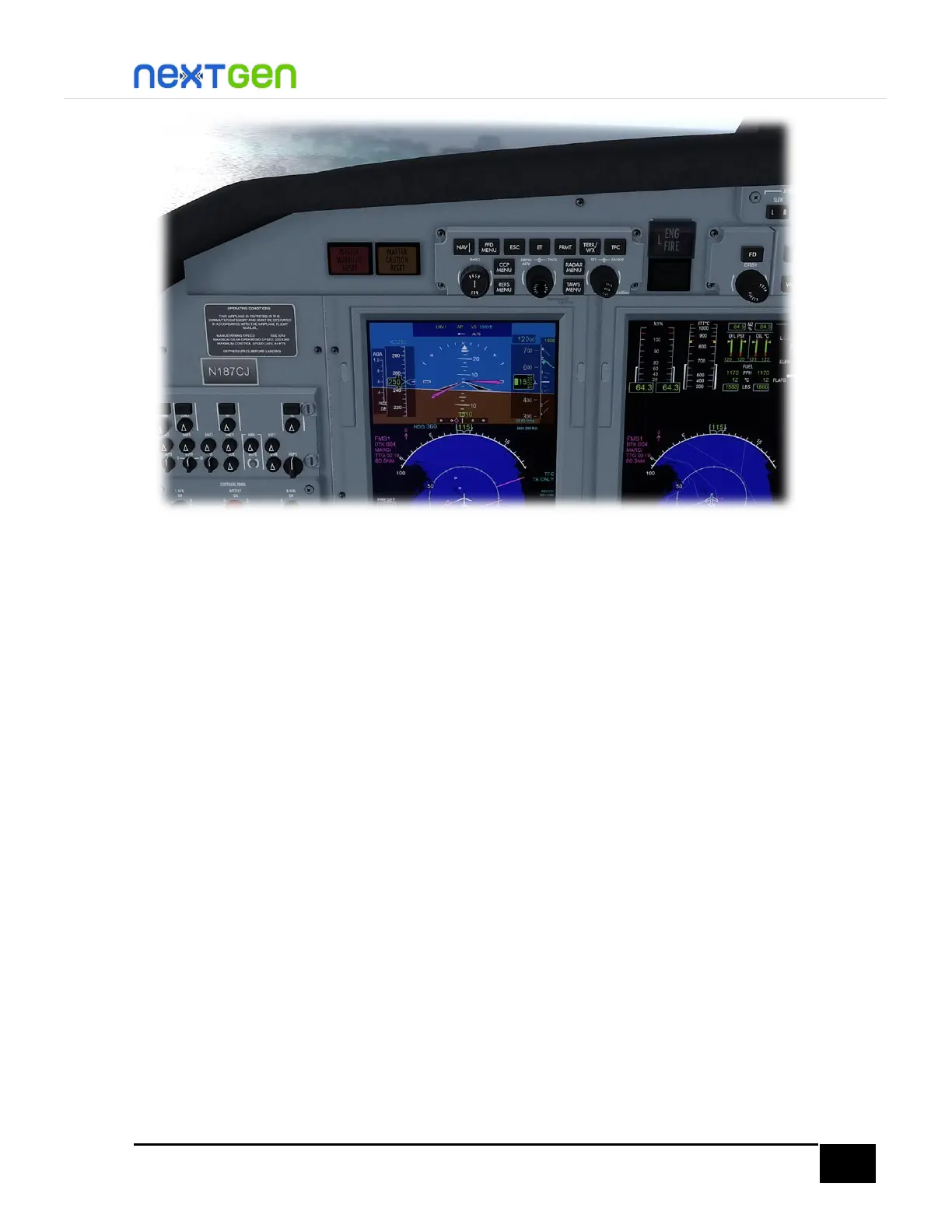
Passing FL280, press the middle of the SPD knob on the FGP (fight guidance panel) to change
from IAS to MACH and maintain speed in function of Mach. Move the knob until you read
Mach 0.650 on the speed hold readout on the PFD (just like in the following figure); this is
perfect to maintain both speed and fuel consumption efficiency.


 To Next Page