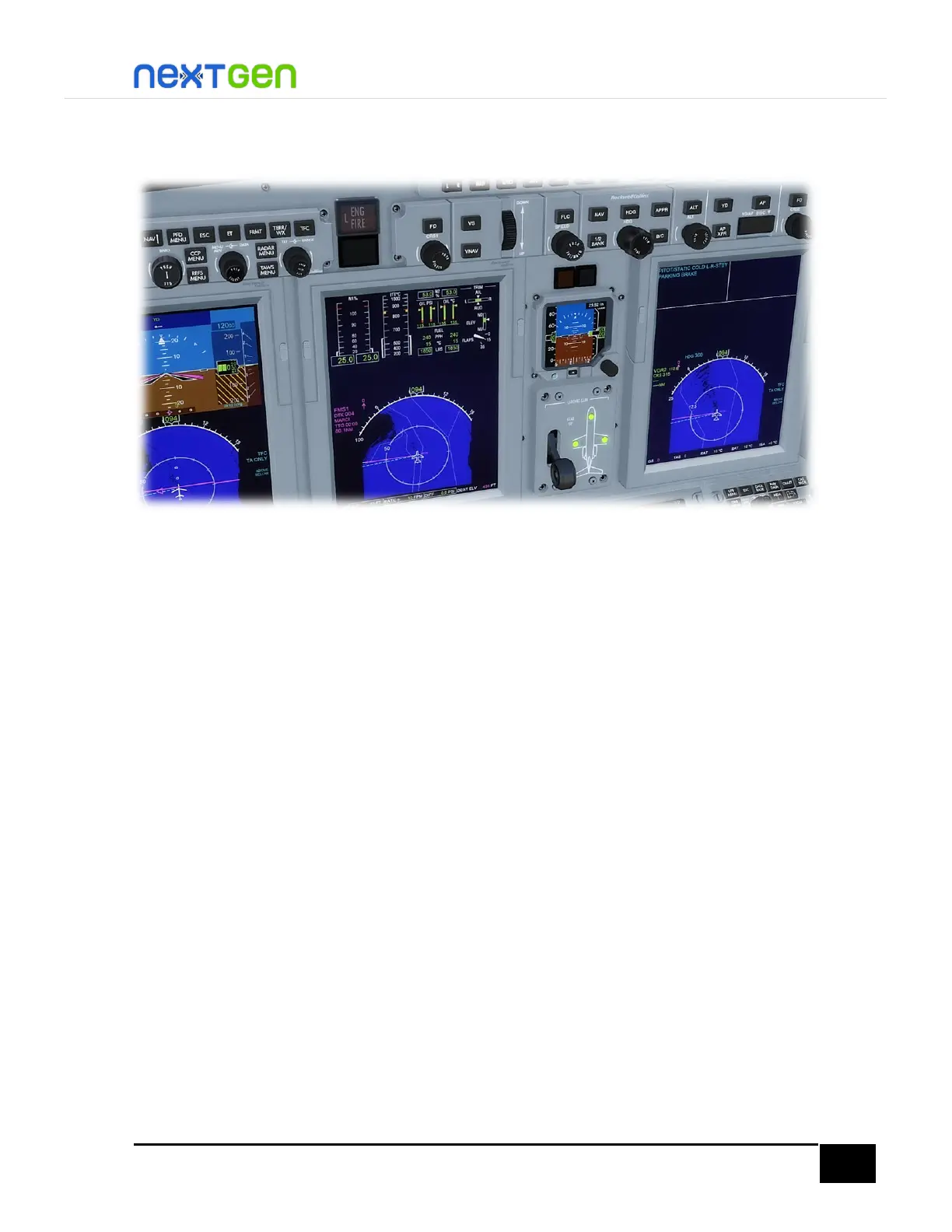
tutorial, check you have them on 15°. Also, check you have the trim tab pointers within their
green bands.
Finally, make sure you have the YD (yaw damper) and FD (flight director) engaged, and that
you have selected an initial climb altitude (for this case, we will start climbing to 12000 feet).
Press the NAV button on the left DCP until you read FMS1 on both pilot PFD and pilot MFD.
This will engage the FMS lateral navigation to the NAV1.
In The Air
Takeoff
You are ready to start takeoff roll, so release parking brake by pressing the Ctrl+. (Period key)
or pushing the joystick button you have assigned for that. Now, apply full power by moving
the throttles to the TO position. During the roll, use the rudder if necessary to keep the
airplane aligned with the runway centerline.
Upon reaching V1, you will listen to a “virtual copilot” telling you “Vee One”, and ready to
rotate when he says “Rotate”. Here rotate softly the aircraft until you reach 10° at liftoff.
Raise the landing gear by pressing G key, clicking the handle in the VC, or via a custom
keypress/button you’ve set.
You will see the airplane pitch over to accelerate to a higher speed at this point since we are
now above the mandatory 250 knots below 10,000 feet restriction. Once you have reached
more or less 500 feet of altitude, engage the autopilot by pressing the Z key or clicking the
button on the VC, then engage altitude hold mode by pressing the VS button and move the
VS wheel for a positive climb rate, press also the NAV button to engage lateral navigation
tracking mode and the FLC mode to engage speed hold (this AP mode simulates the same
Autothrottle function of your FS, with handling for IAS & Mach modes as well).


 To Next Page